
Update v0.21 ·
Leave a run and come back
A way back to the main menu that keeps your run, clearer questions and colours in duels, and a round of fixes.
New
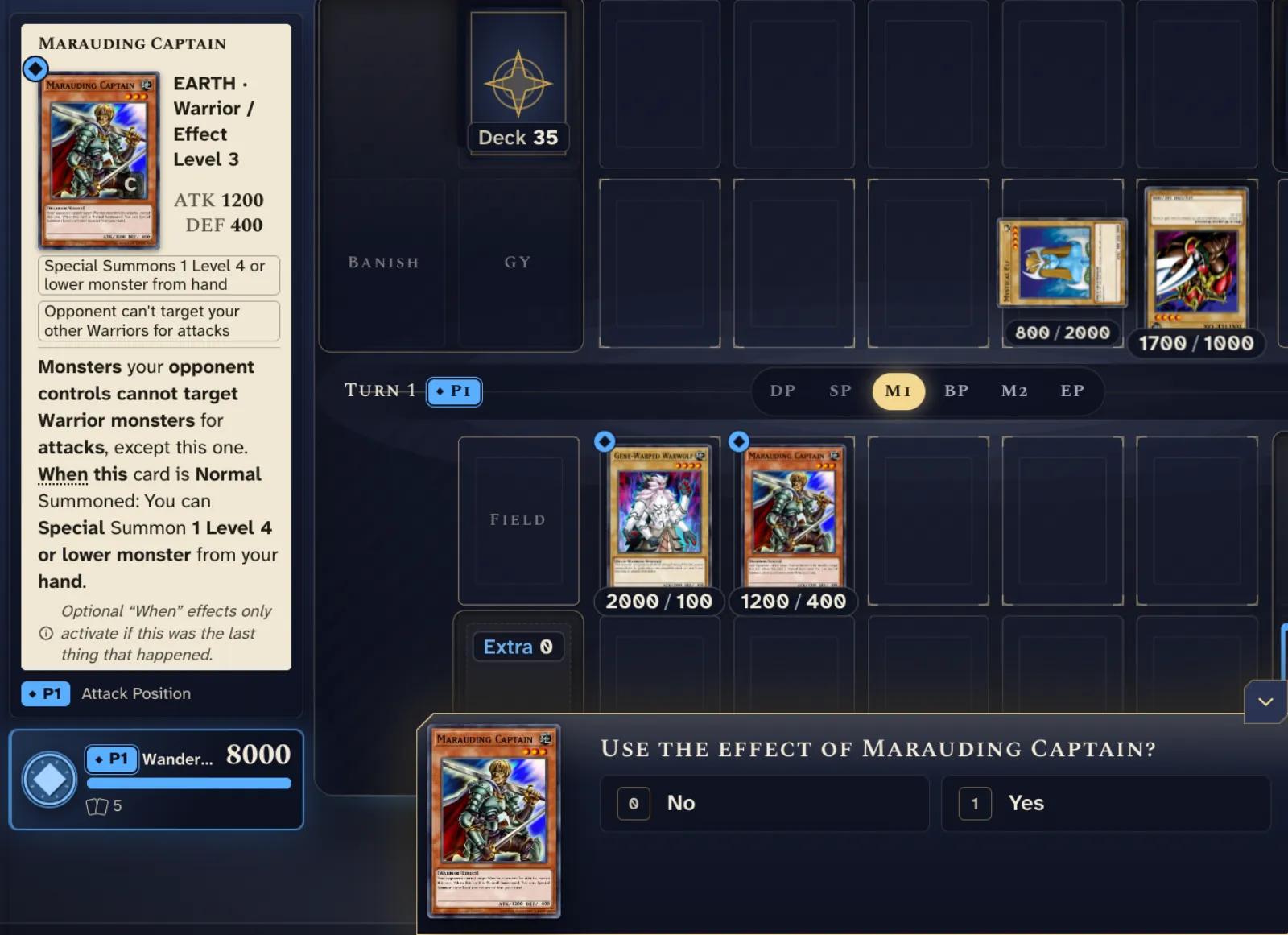
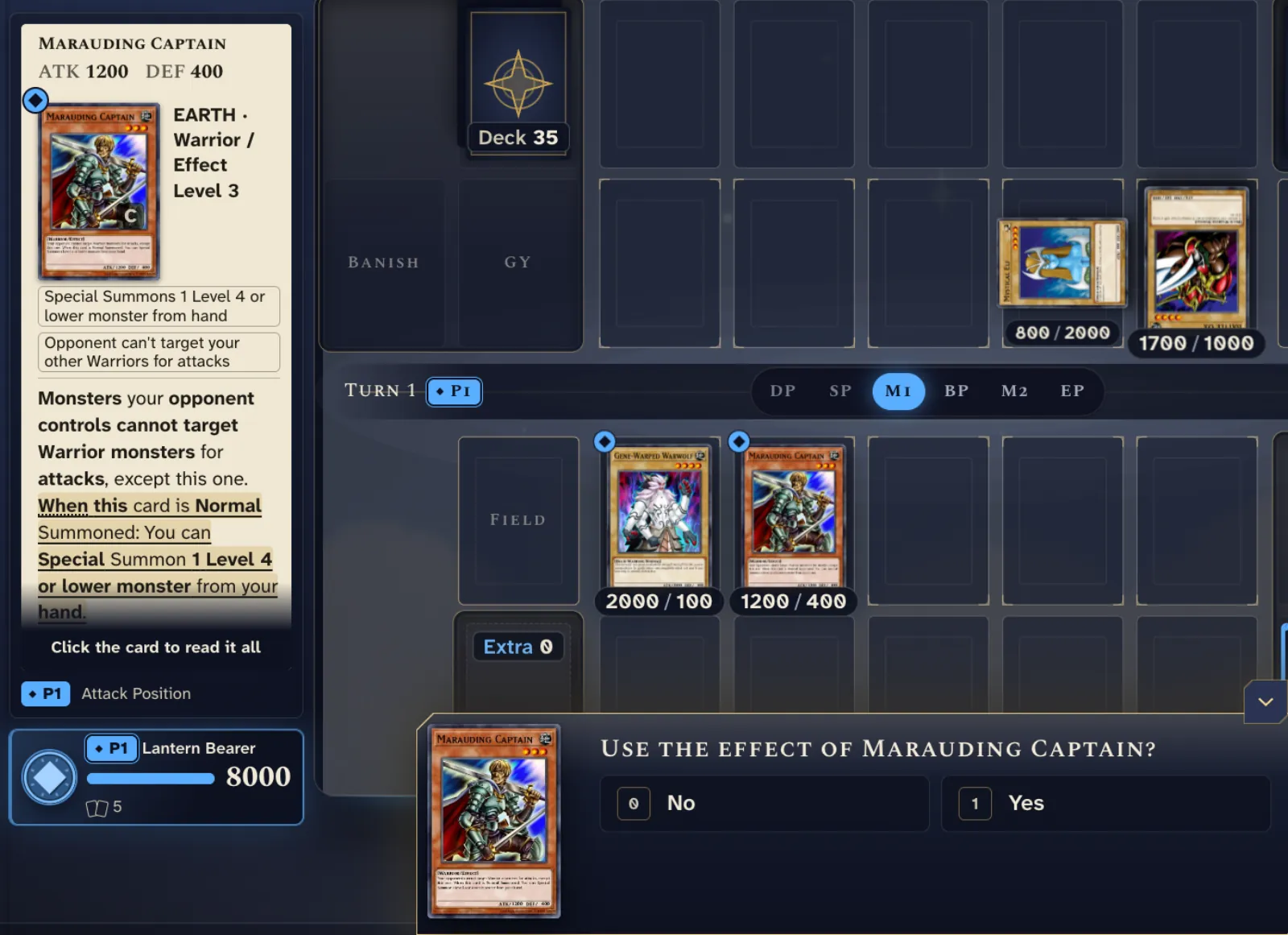
The effect in question is marked
When the game asks about an effect, that effect is now marked in the card's text. Not every card has this yet.
A card's other name
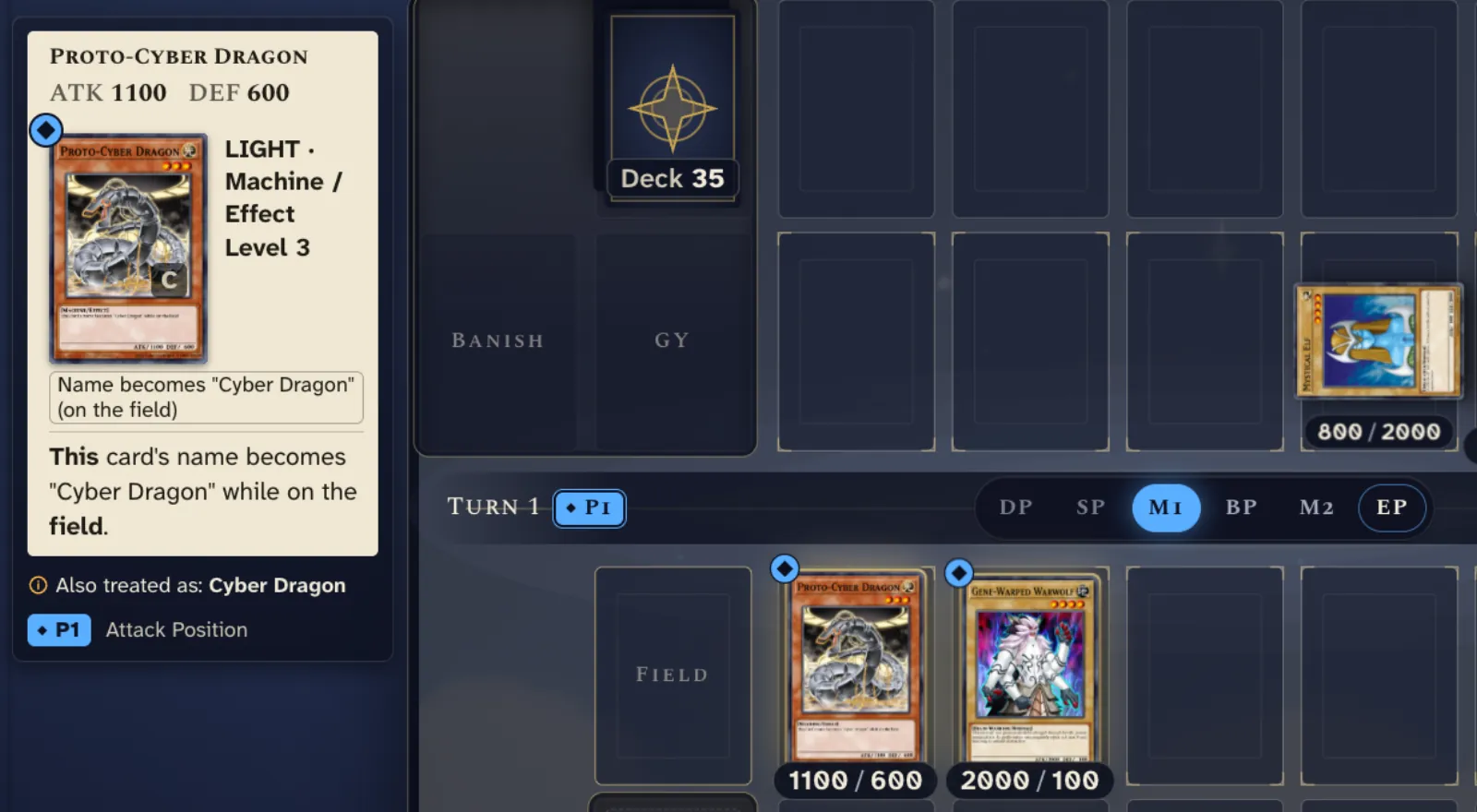
The card panel now says when a card currently counts as another name.
Unaffected cards say so
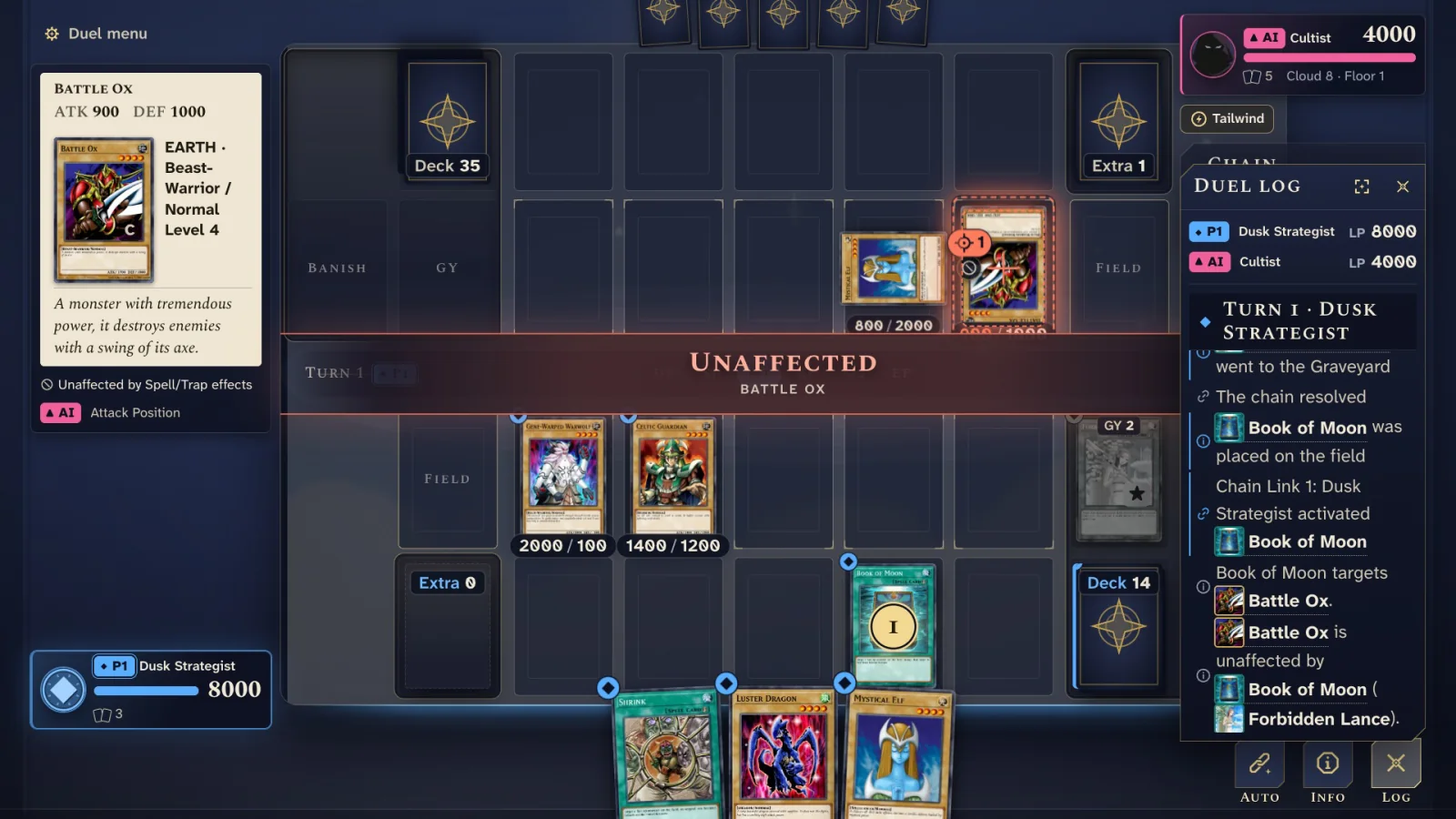
When an effect does nothing to a card because that card is unaffected by it, the card and the duel log now say so.
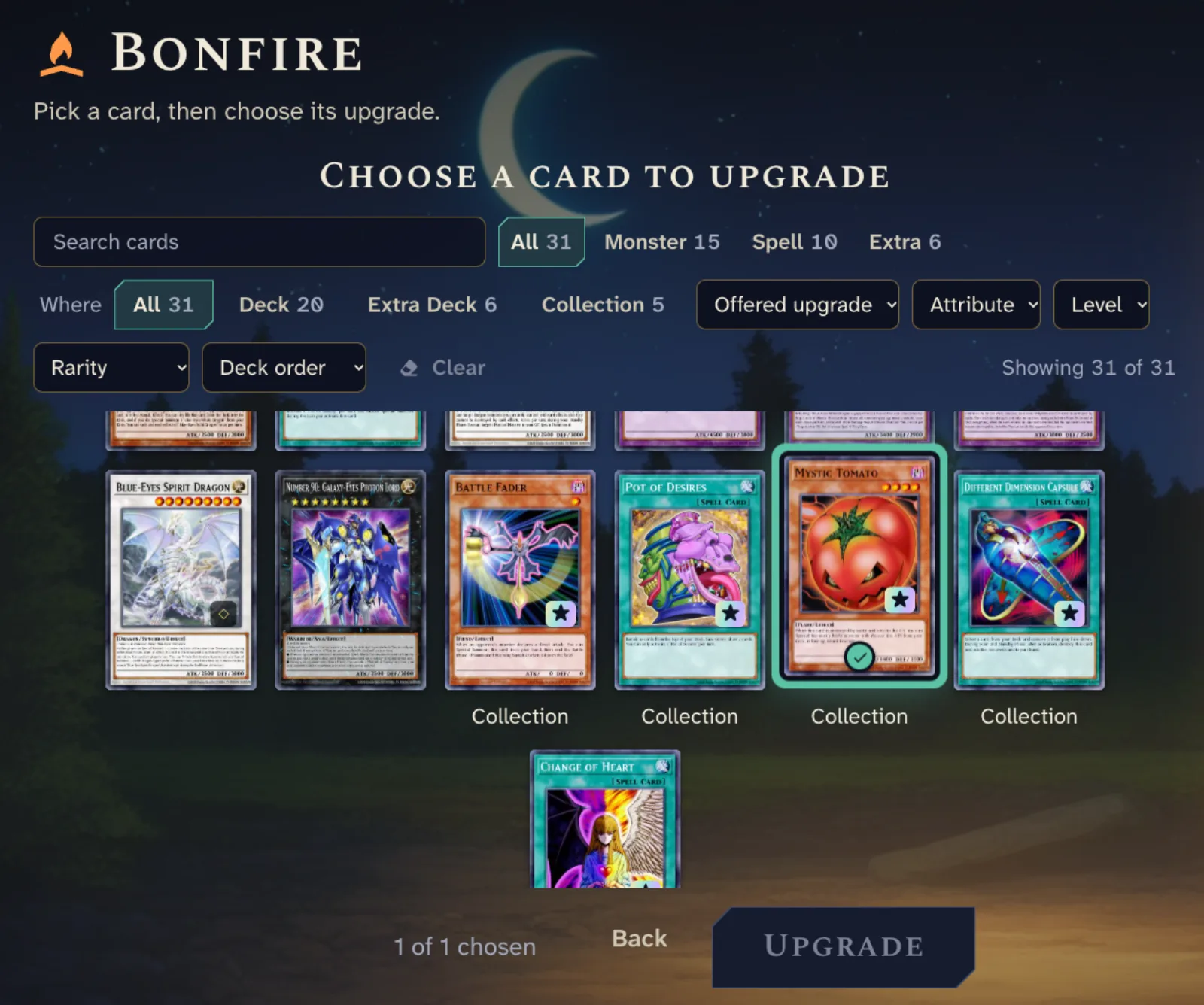
Upgrades for Collection cards
Upgrades can now go on cards in your Collection, not only on cards in your Deck. The lists mark which cards are in your Collection.
Changes
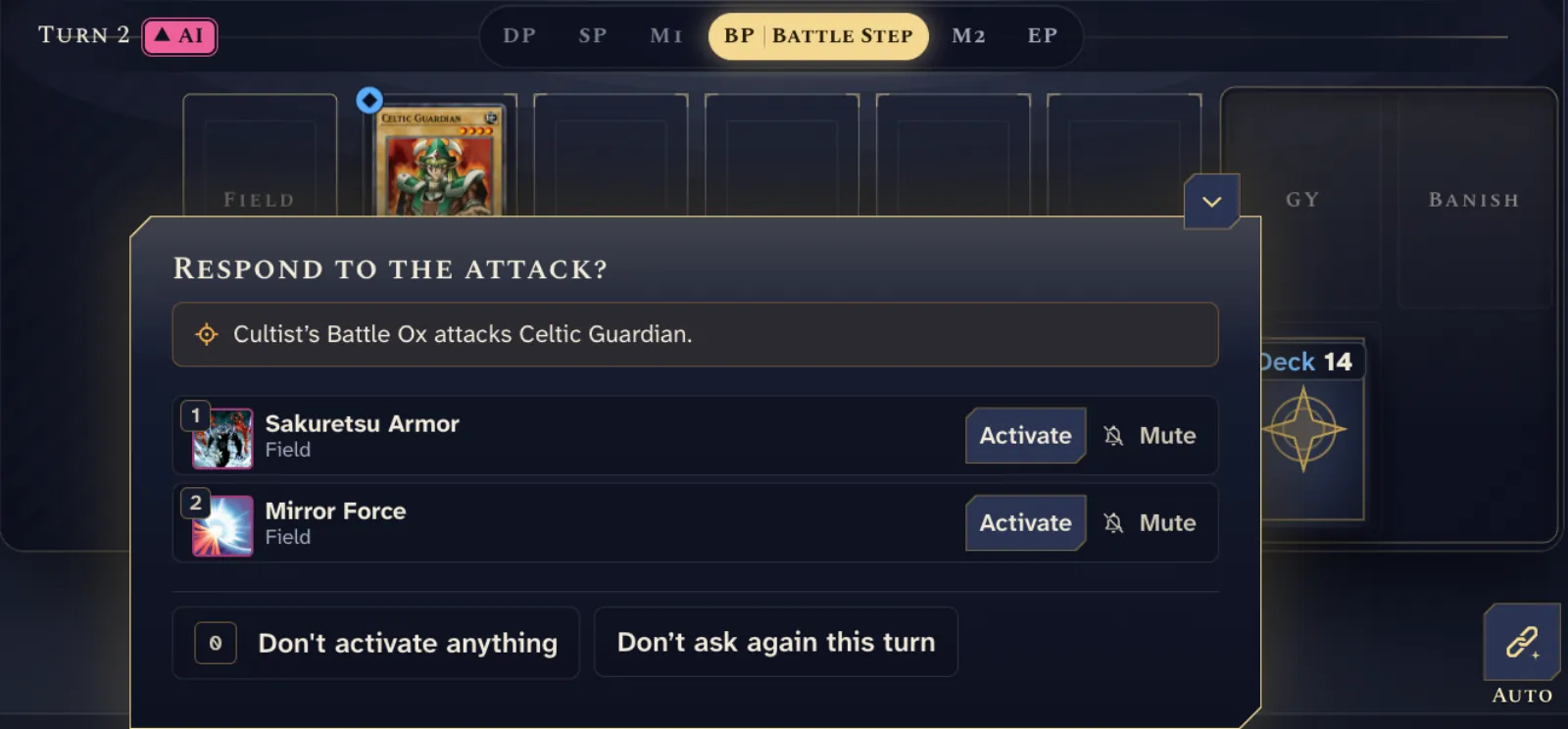
"Don't ask again this turn" removed
"Don't ask again this turn" was removed from the response window. To stop the questions about a card for the rest of the turn, use that card's own Mute.
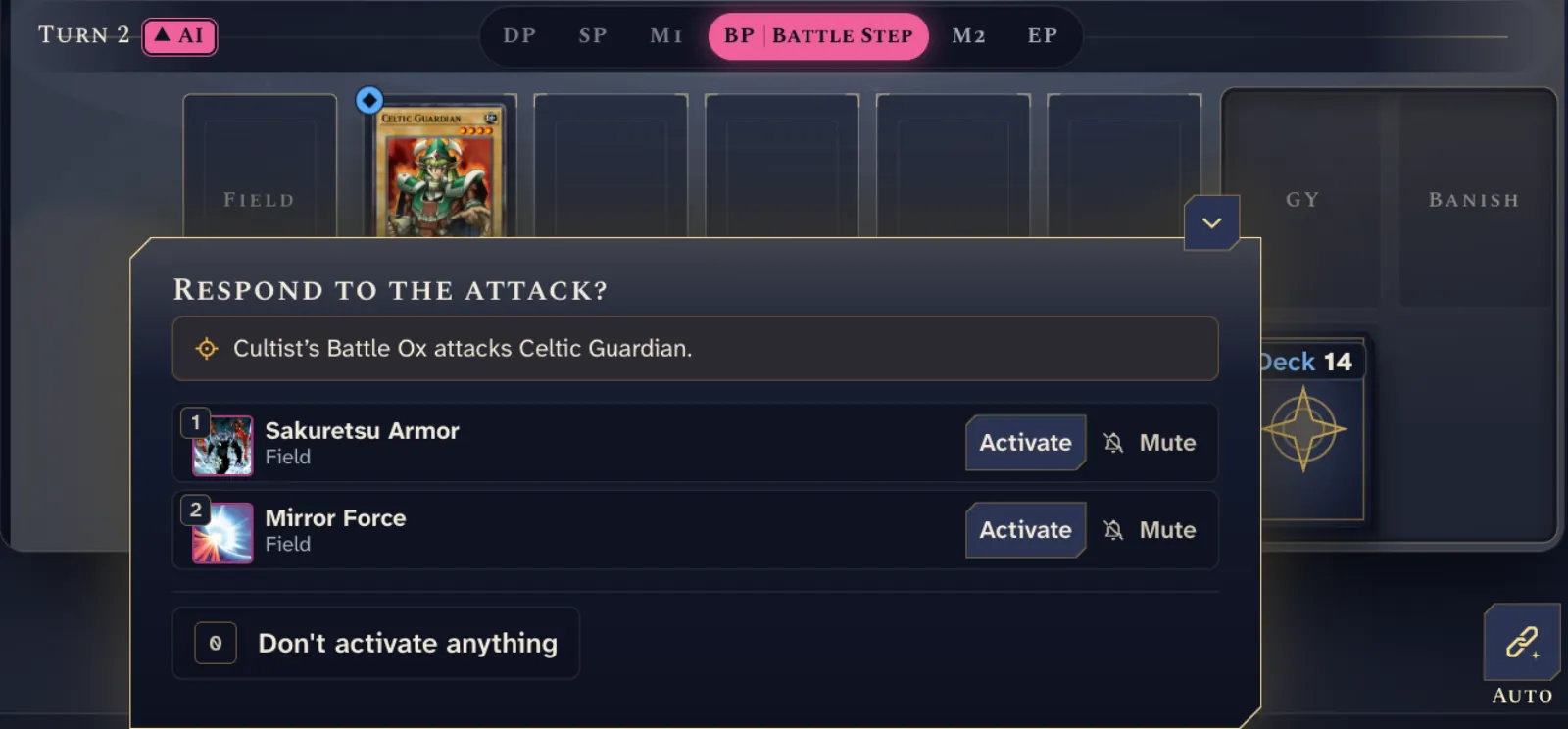
Stop the questions about one card
- When the game asks whether you want to respond, find the card in the question.
- Press Mute on that card.
- The game stops asking about that card until the turn ends. Other cards still ask.
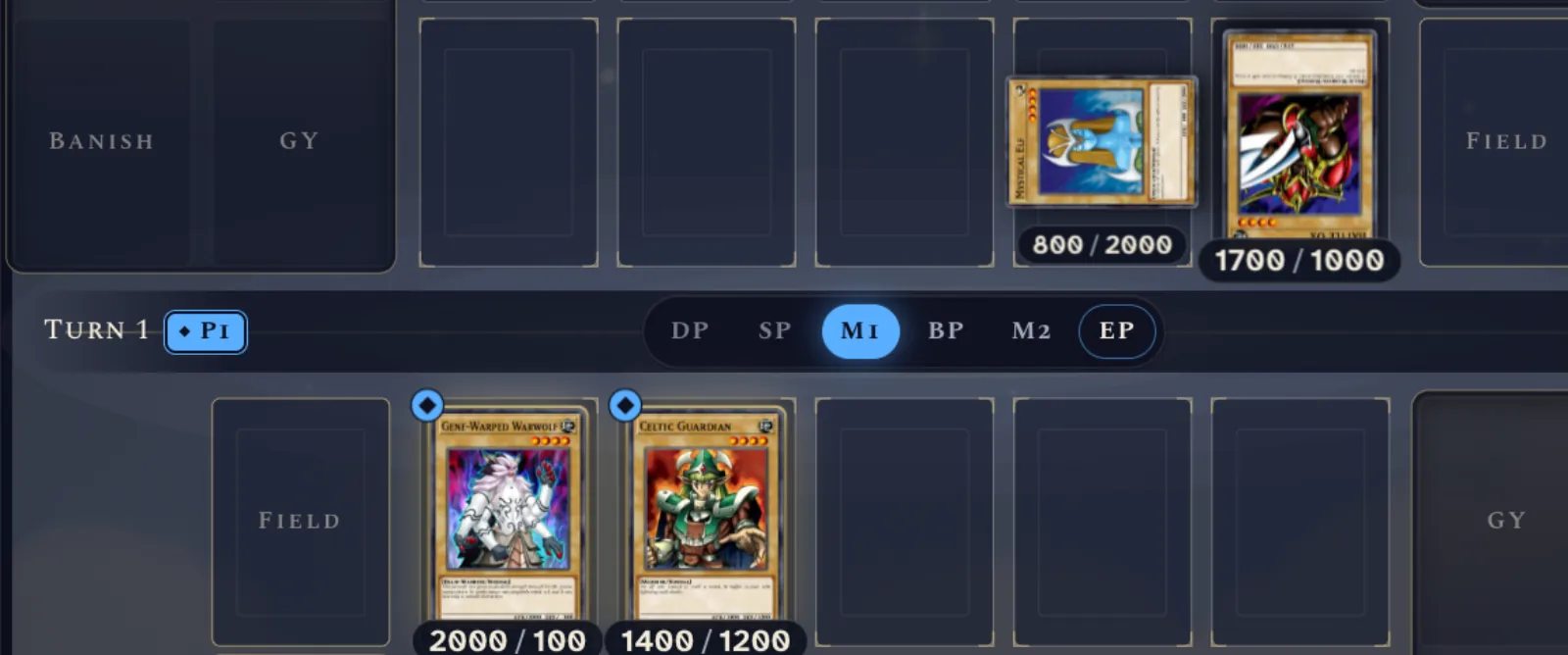
The phase bar shows whose turn it is
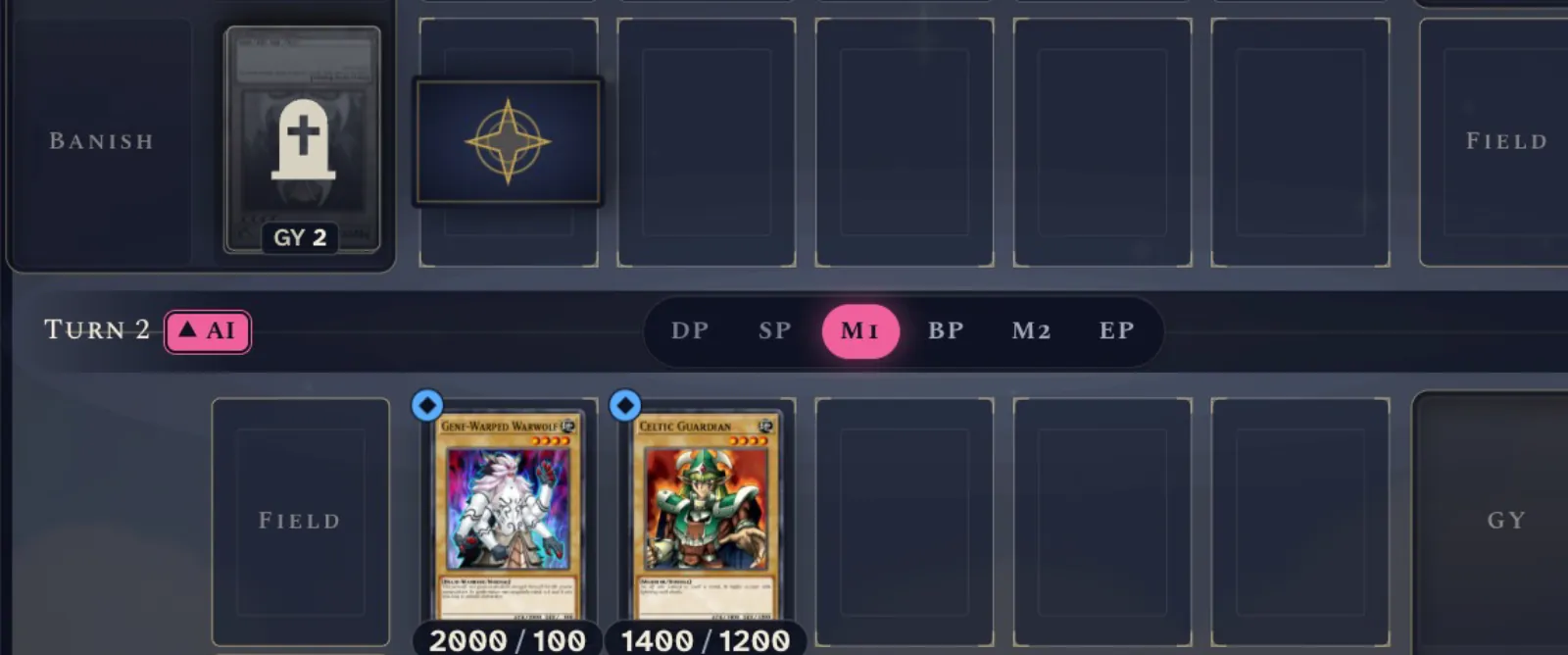
The phase bar now takes the colour of whoever's turn it is, with that duelist's badge beside it.
Scroll long card texts
Long card text in a card's zoom now scrolls with the mouse wheel. A right click still opens the full text in a window.
Getting this update
This update reaches the desktop app by itself the next time you start the game. More help for a game that does not start comes with the next app download.
Get the update
- Close the game and start it again: it updates by itself.
- If the game is open, you can also press Update when it shows up.
Your saves and settings stay.
HERO, Red-Eyes and Stardust are stronger
The HERO, Red-Eyes and Stardust starting decks were reworked, and many of their reward cards come more often or open sooner. A few cards leave their reward pools; copies you already own stay yours.
Auto asks in the End Phase
Auto now asks once in the opponent's End Phase when you have a card you can activate.
Enemies aim better
Enemies no longer spend their removal on cards that are unaffected by it.
The Rare after a Mini-Boss or Boss
The promised Rare after a Mini-Boss or Boss is now a card of your core.
The Black Market
The Black Market has fewer offers, and better ones.
Core levels explained
A core's level-up now says what the level gives. Tin finishes are labelled as a look.
Clearer texts
A relic's text now says what it does.
One more Type in Crossover
Crossover offers one more Type.
Linux is experimental
The Linux build is now marked experimental: it may not work yet.
Fixes
Looking at the opponent's Deck
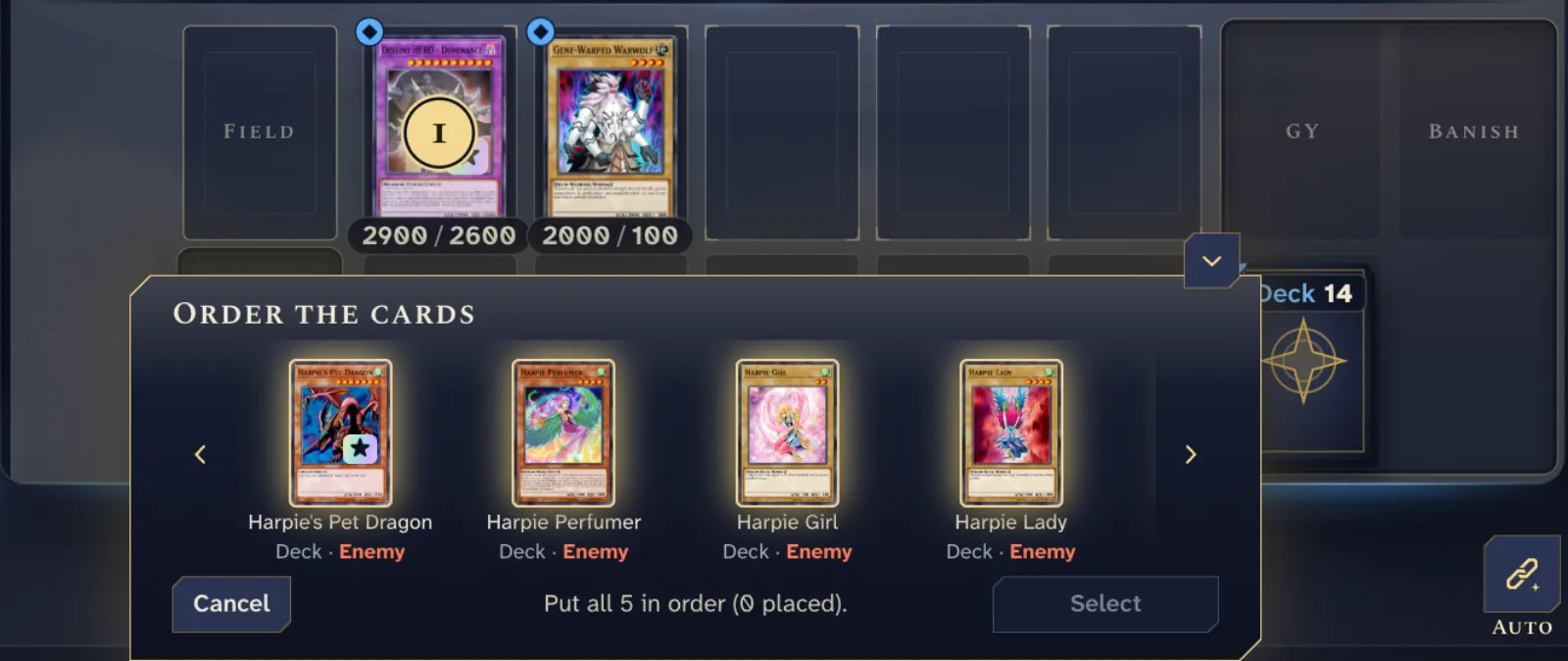
An effect that lets you look at cards of the opponent's Deck now shows them face-up.
Cancel in the Fusion material window
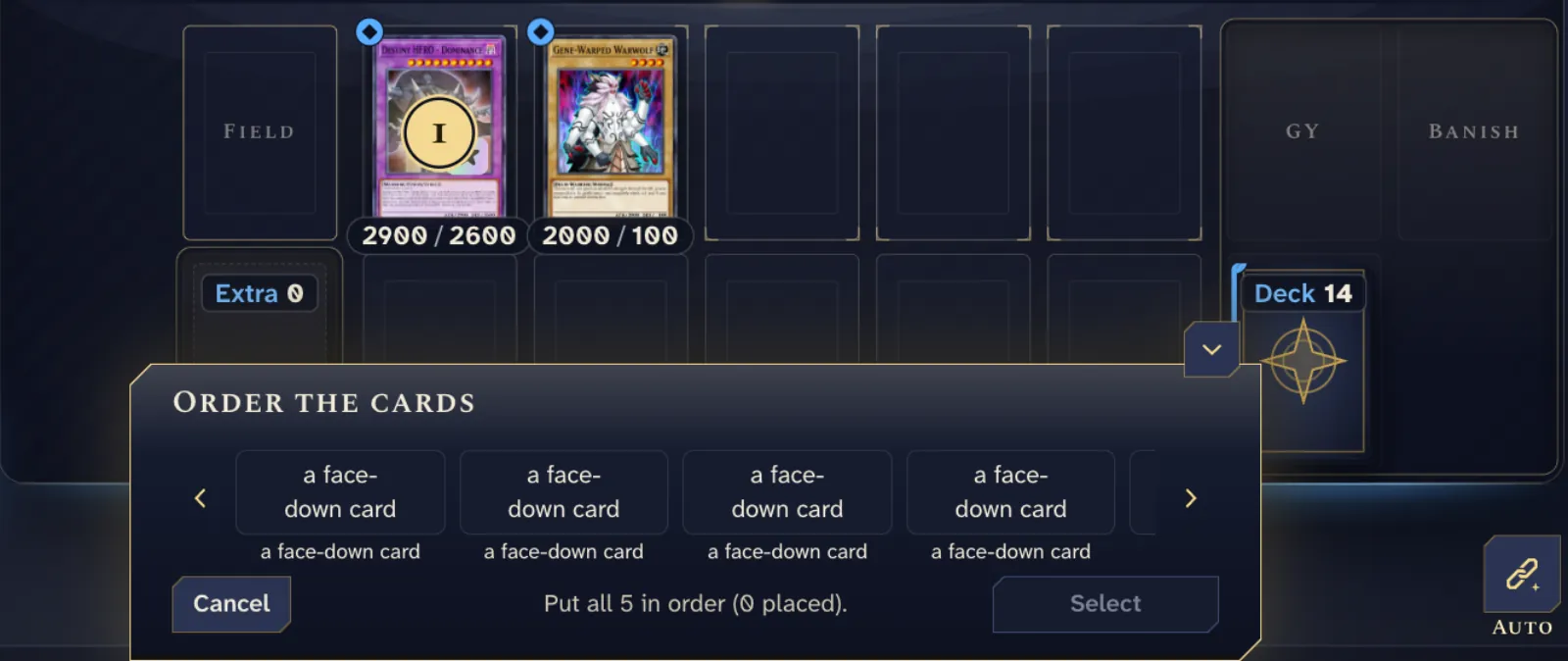
Cancel in a Fusion material window no longer brings the same window back again and again. When you have to choose, the window says so.
Effect labels the right way round
A card's two effects no longer carry each other's label.
"Waiting for ..." once
Co-op: "Waiting for ..." is no longer shown twice.
Names stay whole
Duelist names on the top bar, the map and the life points are no longer cut short or hidden in a small window.
A tidier duel screen in a small window
In the Classic layout, a card's zoom no longer covers the question. The card panel keeps the card's name and ATK / DEF in view while its text scrolls, and a question about a chain shows every card name whole.
An encounter remembers what was said
One special encounter no longer forgets what you were told once you have answered.
An enemy deck and its own monster
One enemy deck no longer removes its own monster every turn.
An upgrade's mark on three Trap Cards
The mark of one upgrade no longer sits in the wrong spot on three Trap Cards.
A slow duel start says so
A duel that is slow to start now says that it is trying again.
No more empty window
A game window that would stay empty now shows "Loading…", and tells you when the game could not start.