
Update v0.19 ·
Smoother summons, smarter enemies
Extra Deck summons that do what you mean, enemies that play smarter, and no turn timer in Fast runs.
New
On guard
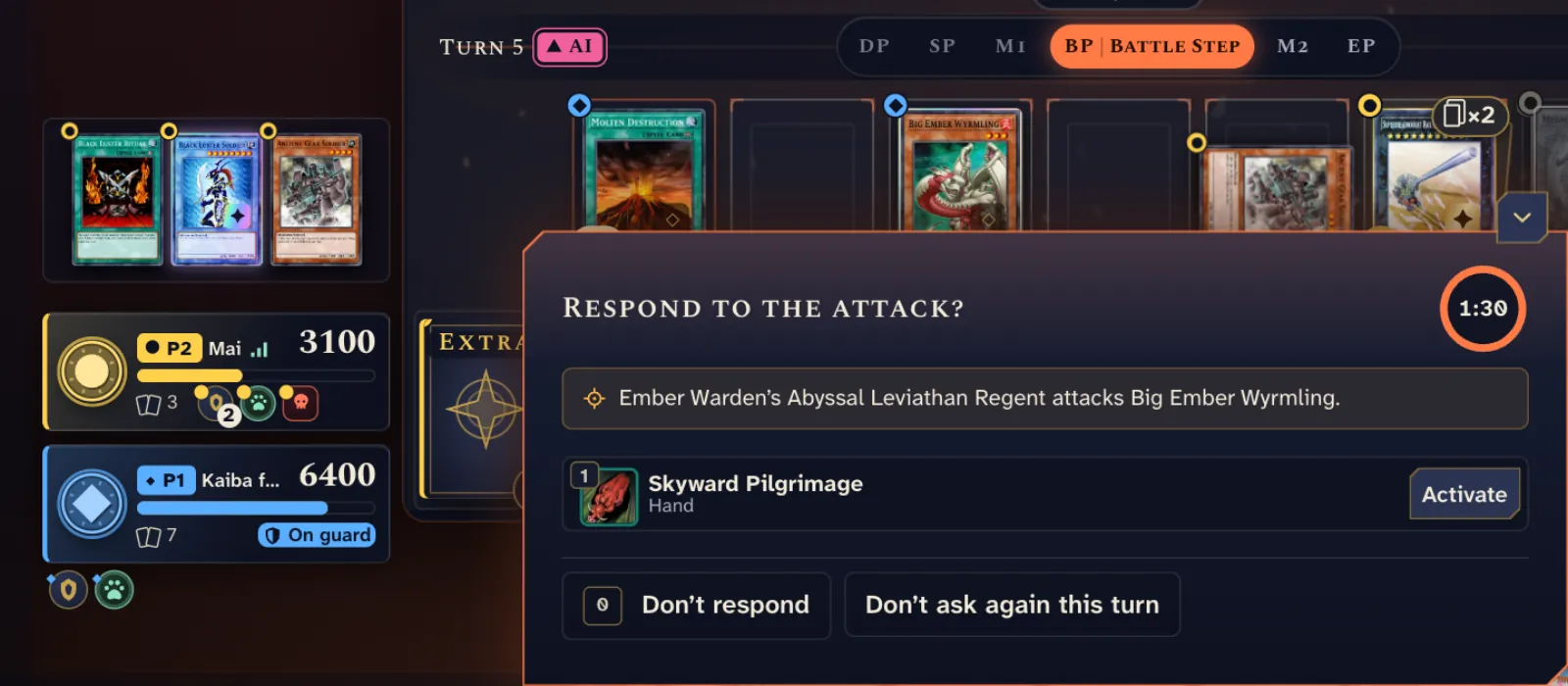
In co-op, only one of you can respond during the enemy's turn: the one who played your team's last turn. Their plate now says On guard for the whole enemy turn.
Keep your hand raised
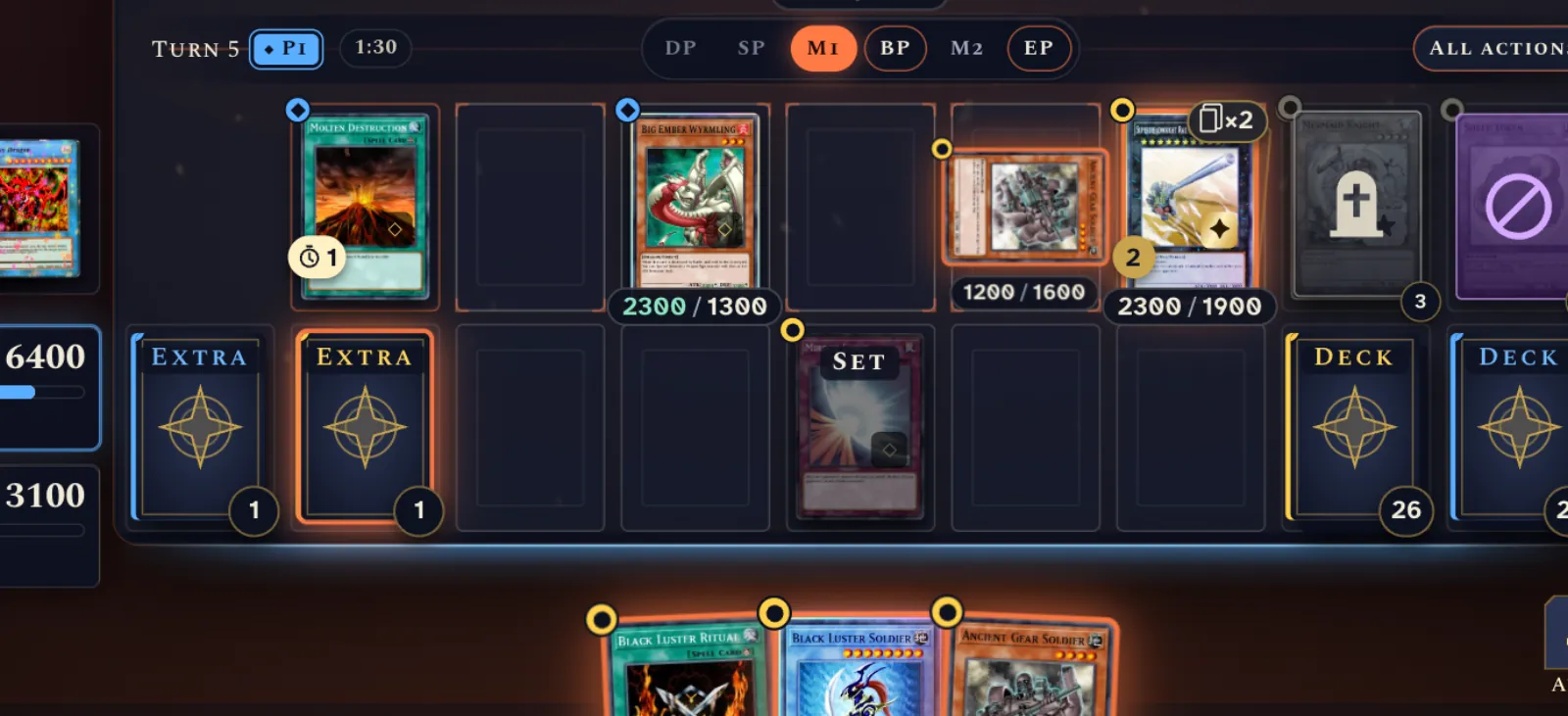
On the board, your hand now stays raised on the other players' turns. Turn it off in Settings to have it sink as before.
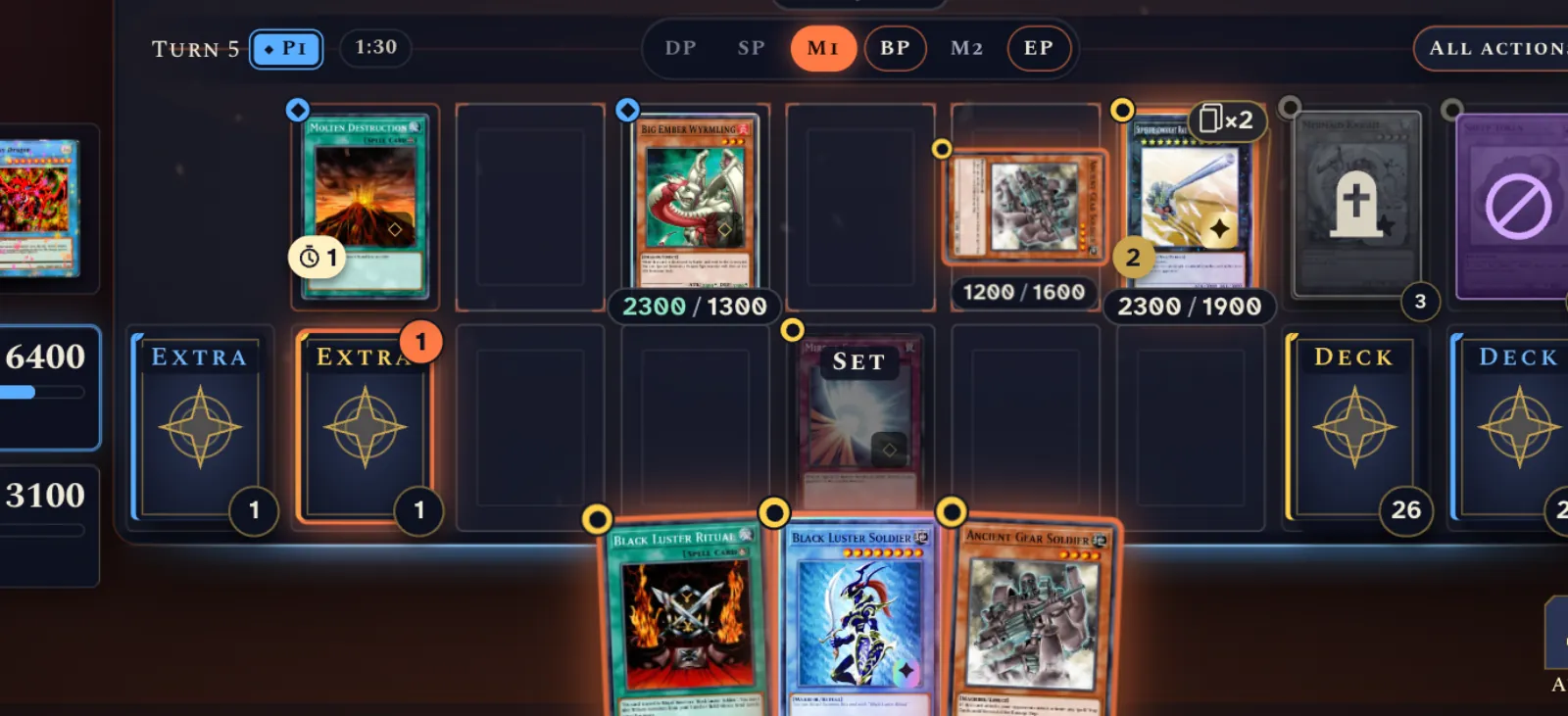
Let it sink again
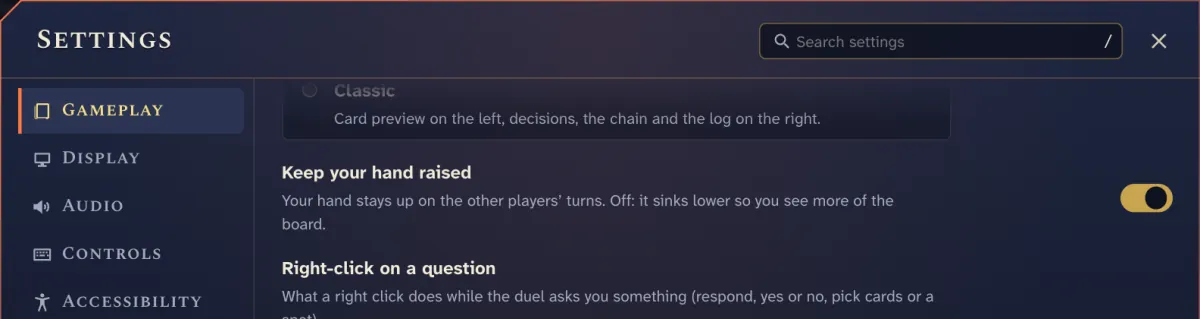
- Open Settings: the gear in the lobby, or Duel menu at the top left of a duel.
- Pick the Gameplay tab.
- Turn off Keep your hand raised.
The setting is for the On the board layout.
Usable cards in your piles
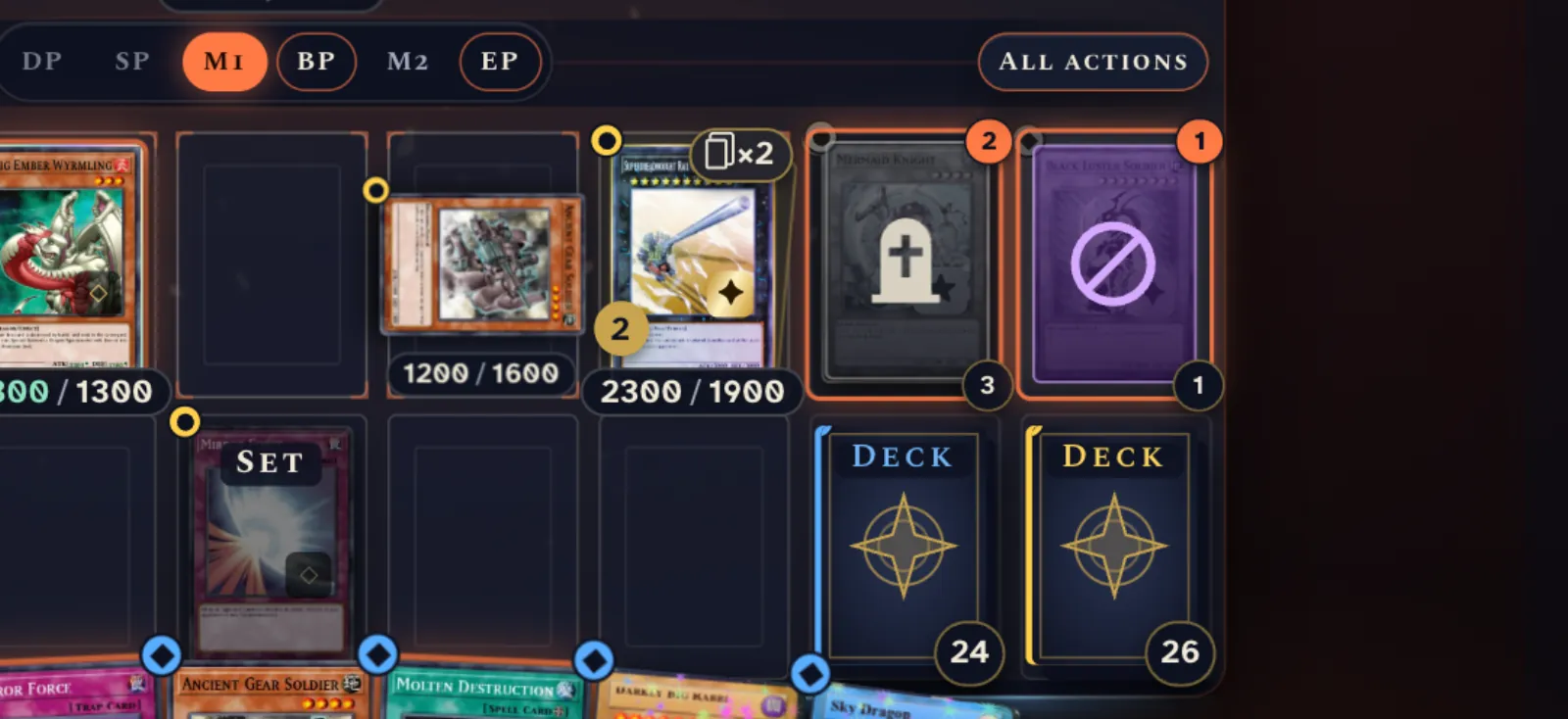
Your team's Graveyard and banished cards now glow, with a count, while one of their cards can be used, like the Extra Deck.
Summon materials on the field
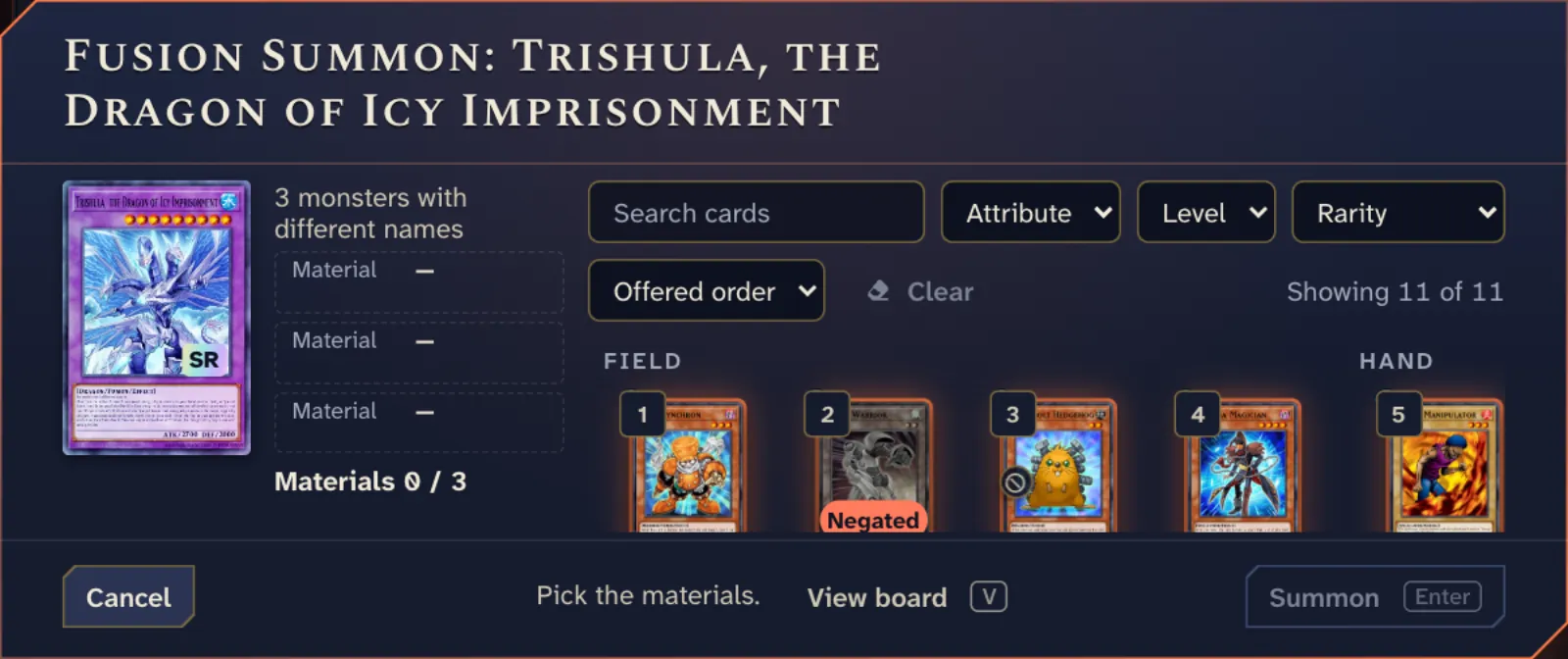
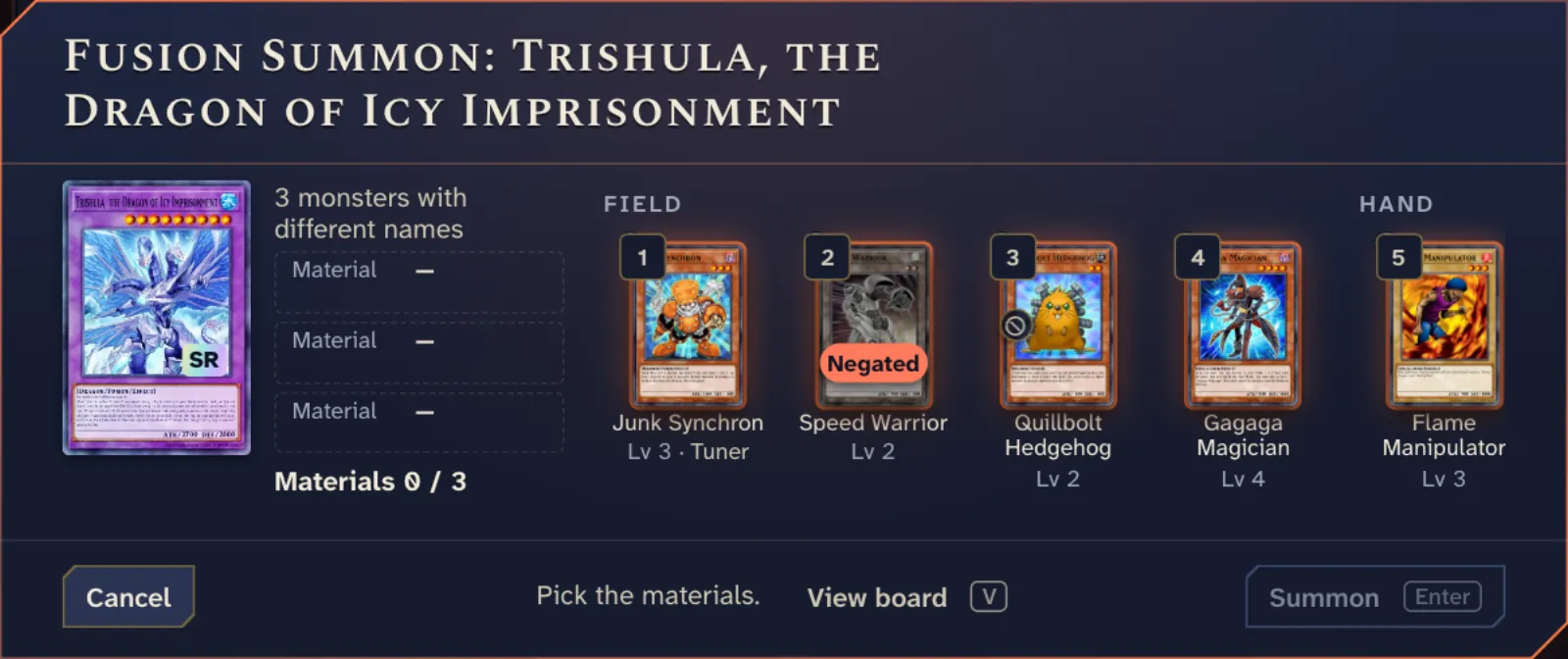
On the board, a Synchro, Xyz or Fusion Summon whose materials are all on the field or in your hand now lets you pick them right on the field.
Winning streaks pay off
Duels won back to back now raise your chance of rarer cards in card offers and shops, until one shows up. Taking any other kind of node ends the streak.
Changes
The timer shows the whole turn
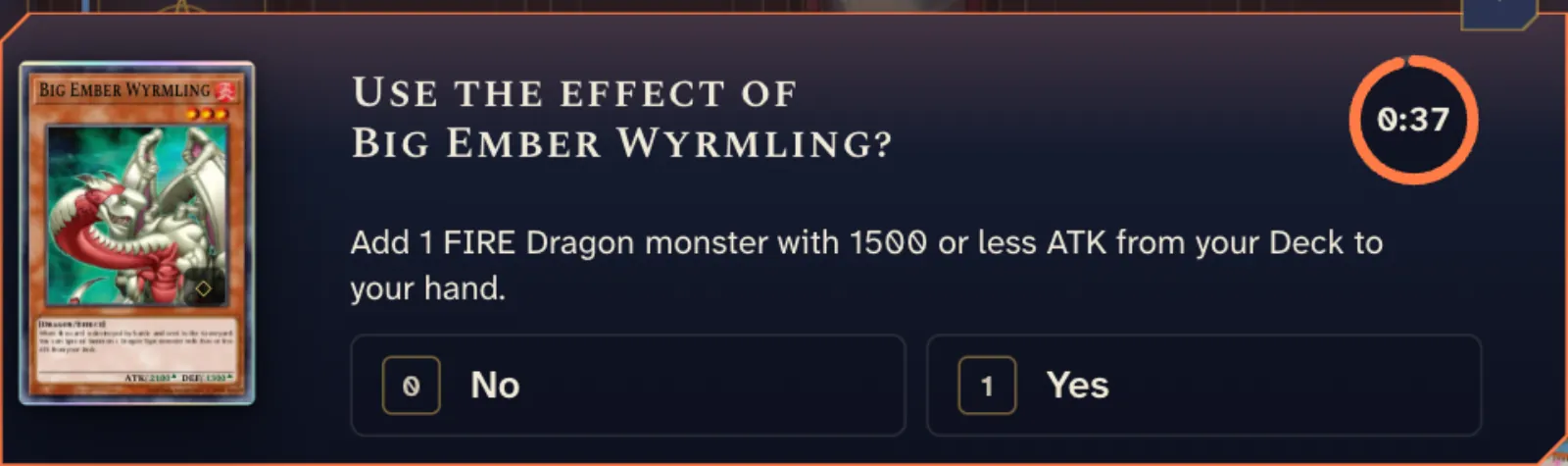
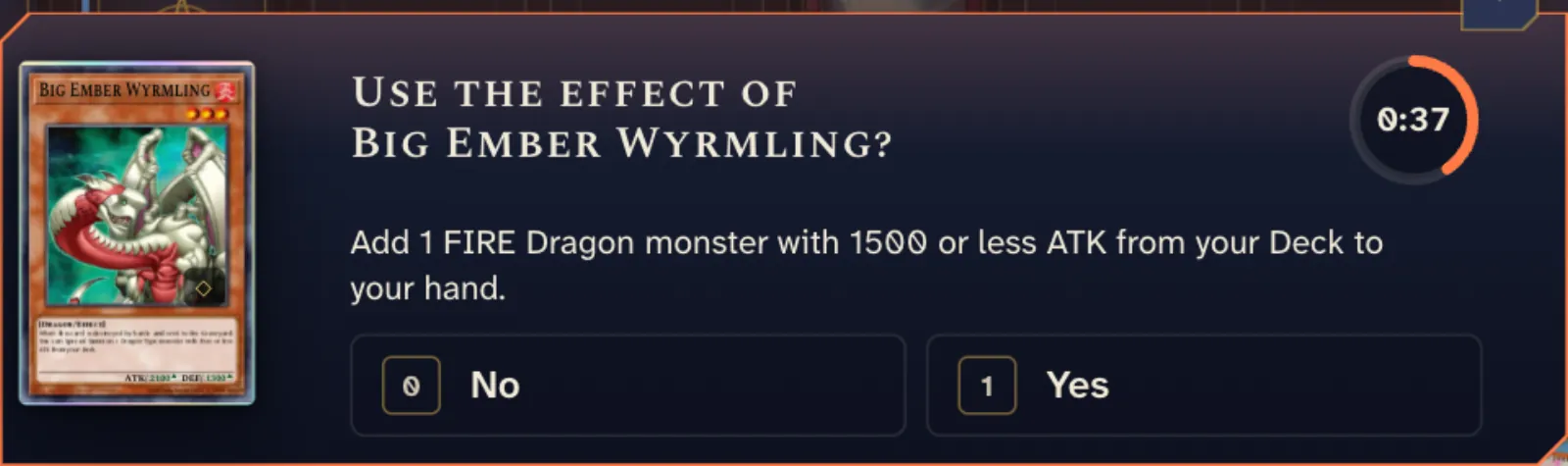
With a turn timer, the ring now counts down the whole turn instead of filling up again with every question.
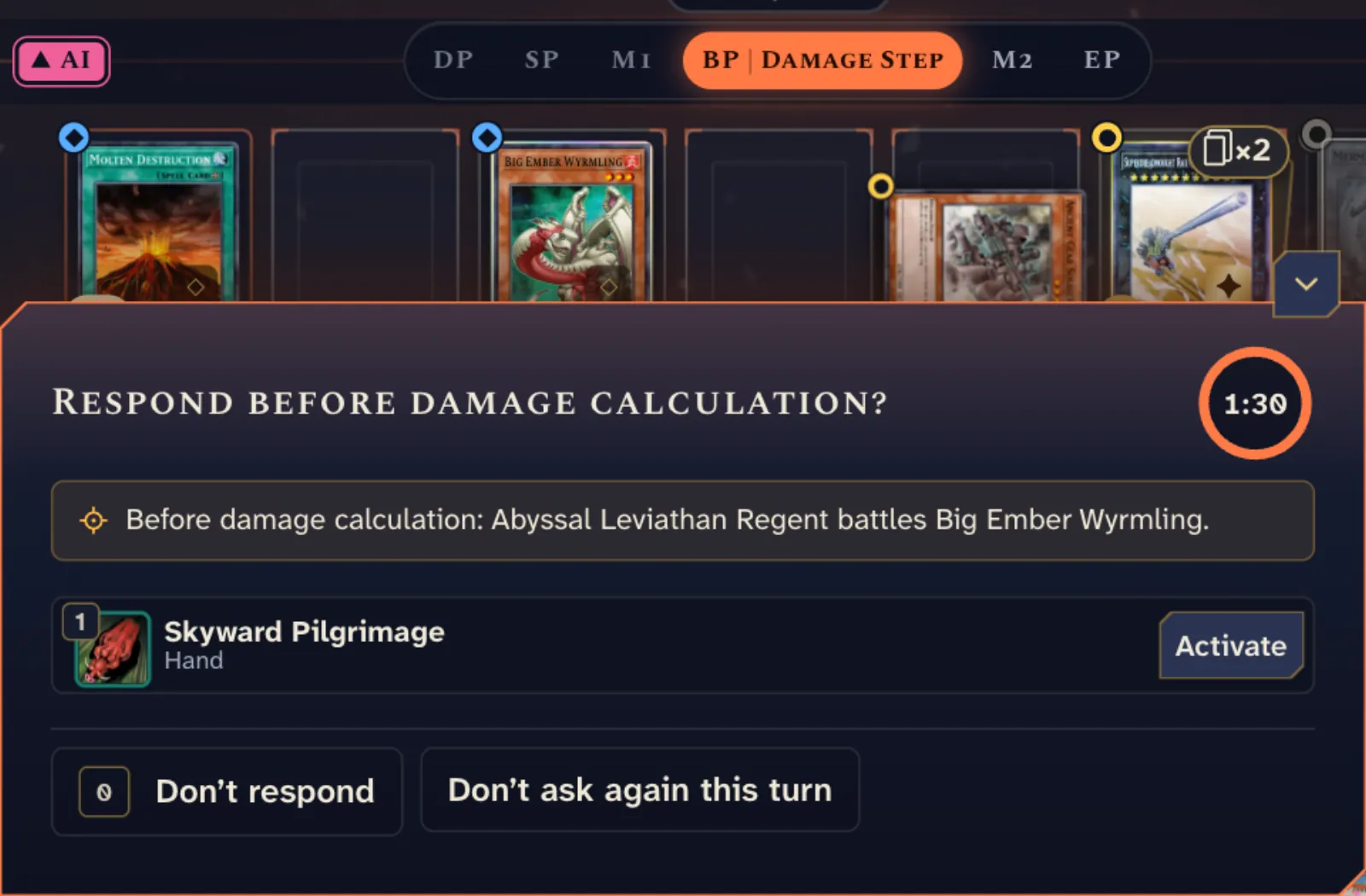
Damage Step questions say when
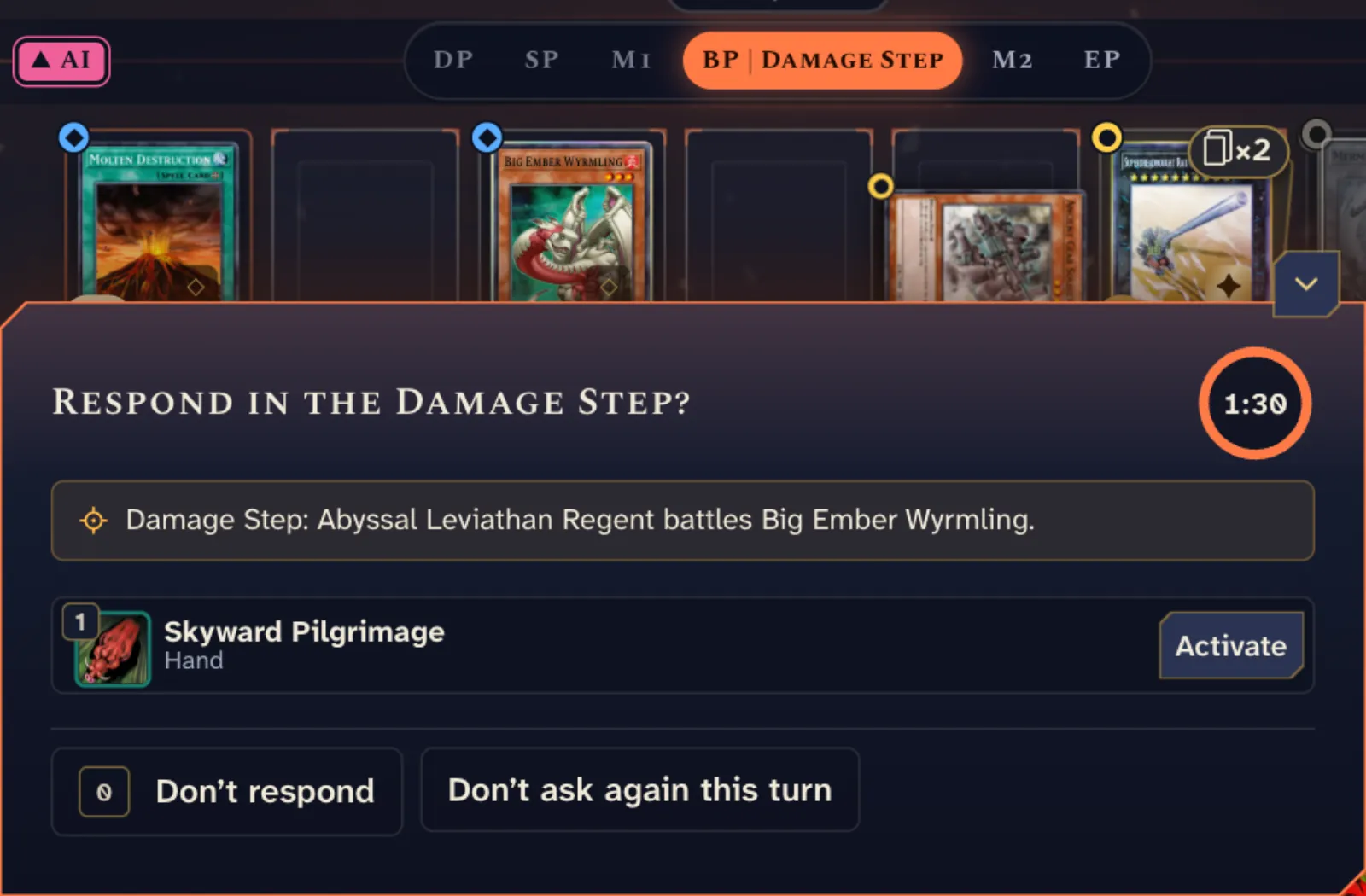
Each Damage Step question now says which moment it is for, such as before damage calculation. Smart Auto also stops there when one of your cards can be used.
Quicker Tribute Summons
On the board, a Tribute Summon now goes through as soon as you pick the last Tribute.
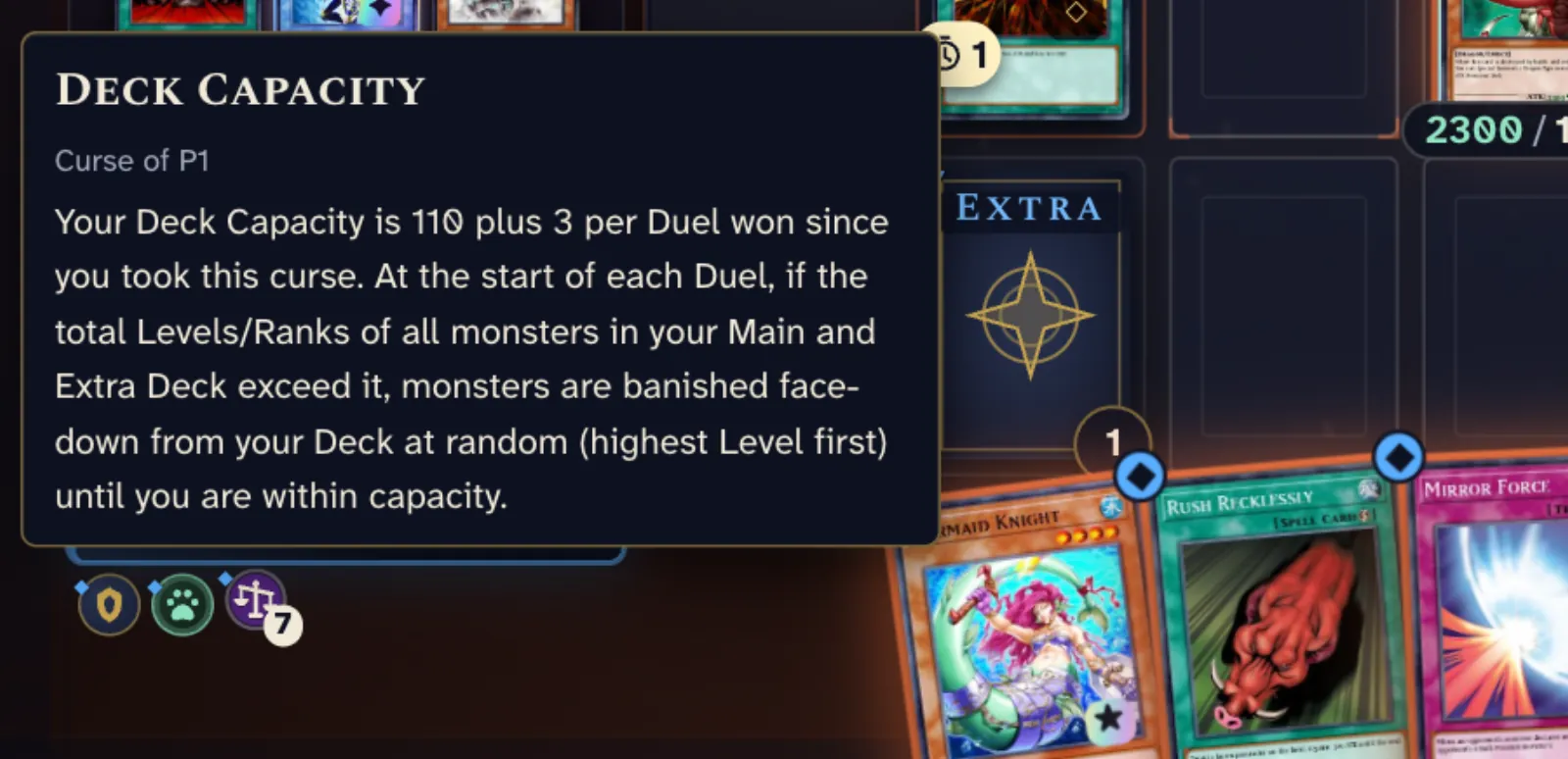
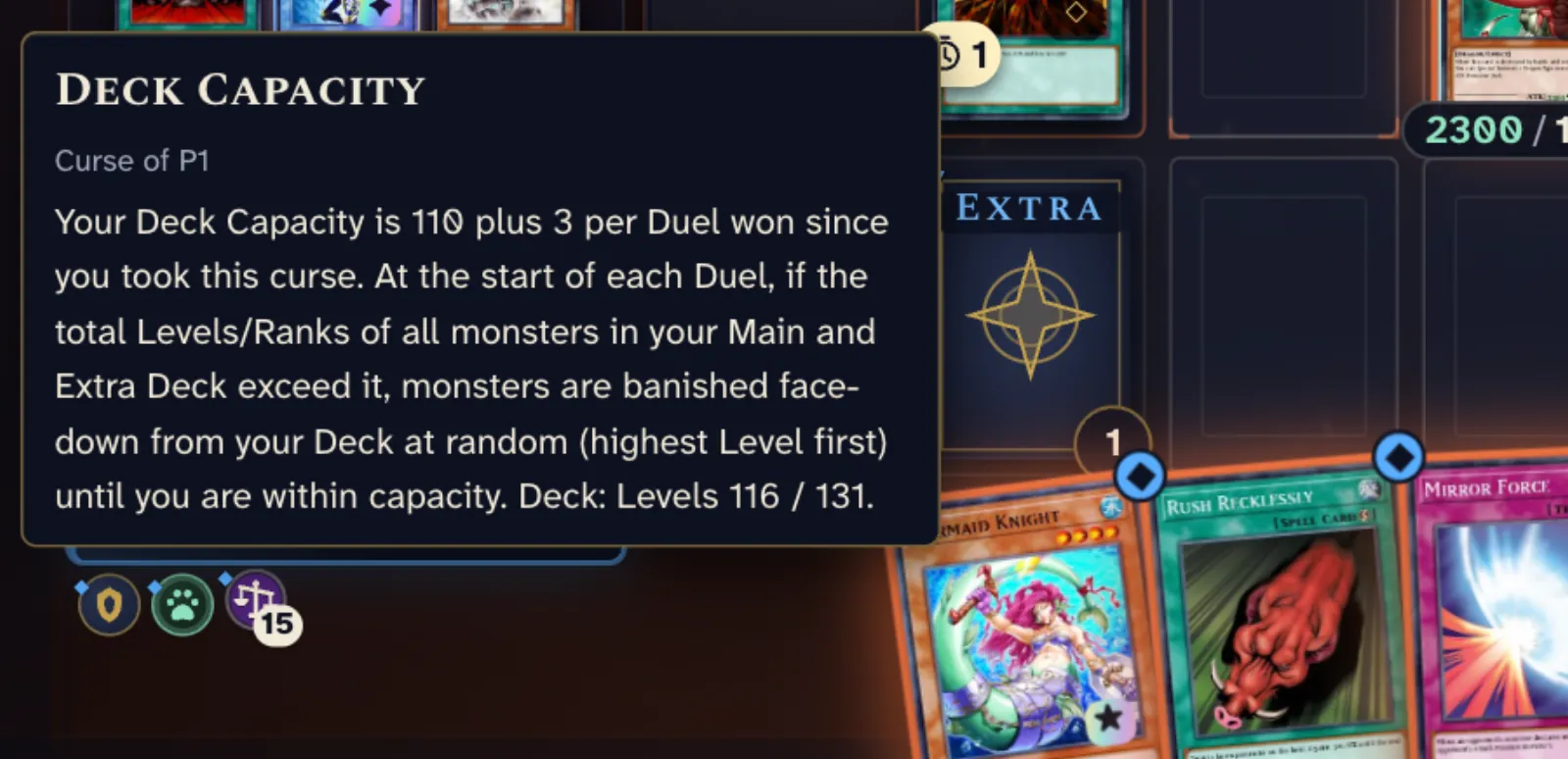
Deck Level limit shown
A curse that limits your deck's Levels now shows your total against the limit.
No turn timer in Fast runs
Fast runs and the weekly run no longer have a turn timer. Custom runs keep theirs.
Your first weekly run counts
Your first weekly run on a device counts, even if you link Discord only after starting it. Linking later does not give you a fresh try that week.
Enemies hold their hand traps
Enemies keep their hand traps in hand for your turn instead of playing them away.
Smarter enemy removal
Enemies no longer waste removal on cards it cannot hit, on their own cards or on cards already activated, and they save their negations for effects that matter.
Enemies use every zone
Enemies now place their cards in any free zone, not always the same one.
Boss cheats that work
Bosses only pick cheats they can actually carry out. When a boss cannot summon, it now says why.
The card preview stays
On the board, the card preview keeps the last card you pointed at, and the mouse wheel scrolls a long card text.
Fixes
Whole cards in the material window
The material window on the board no longer cuts its cards in half when there are many to choose from.
One button per Extra Deck card
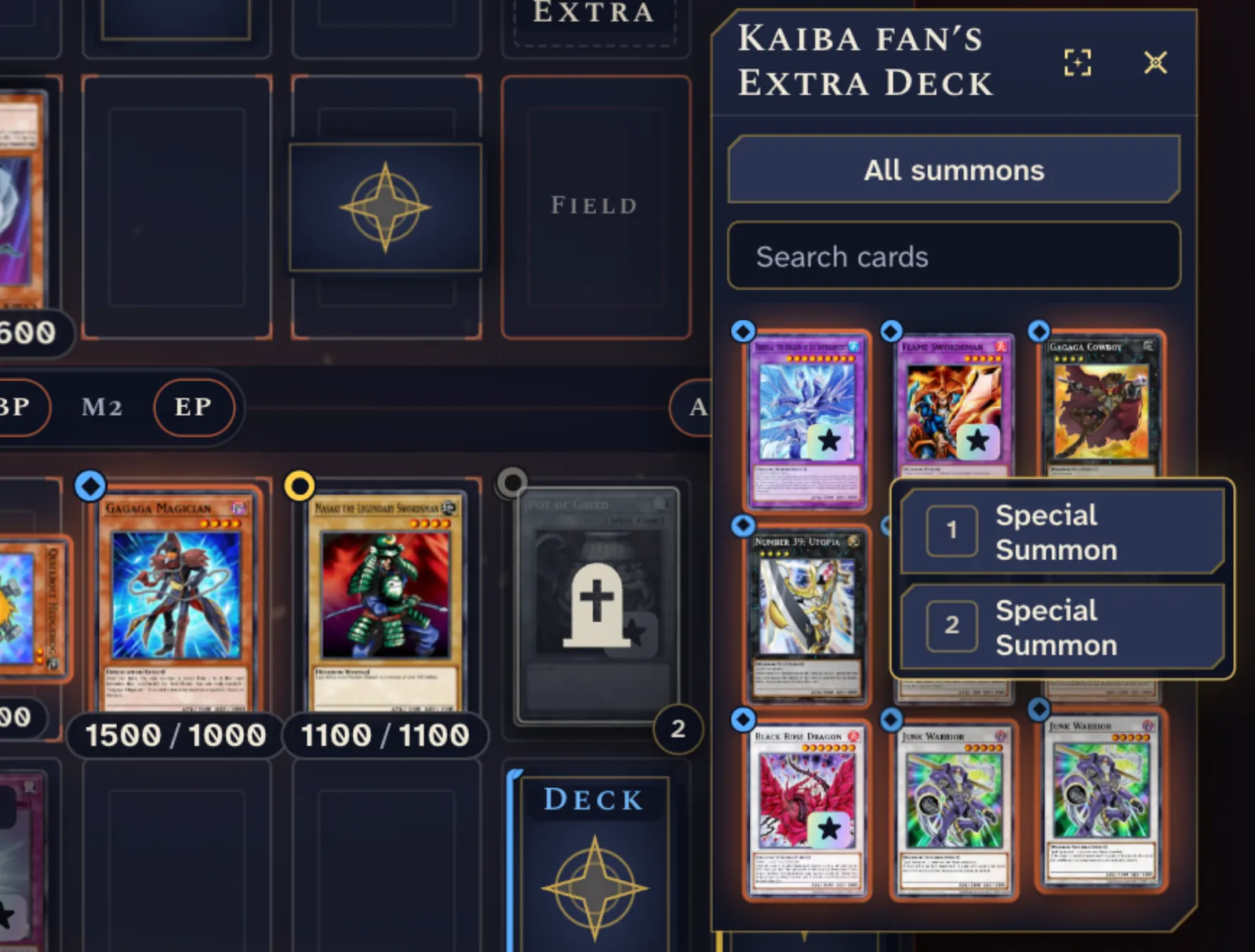
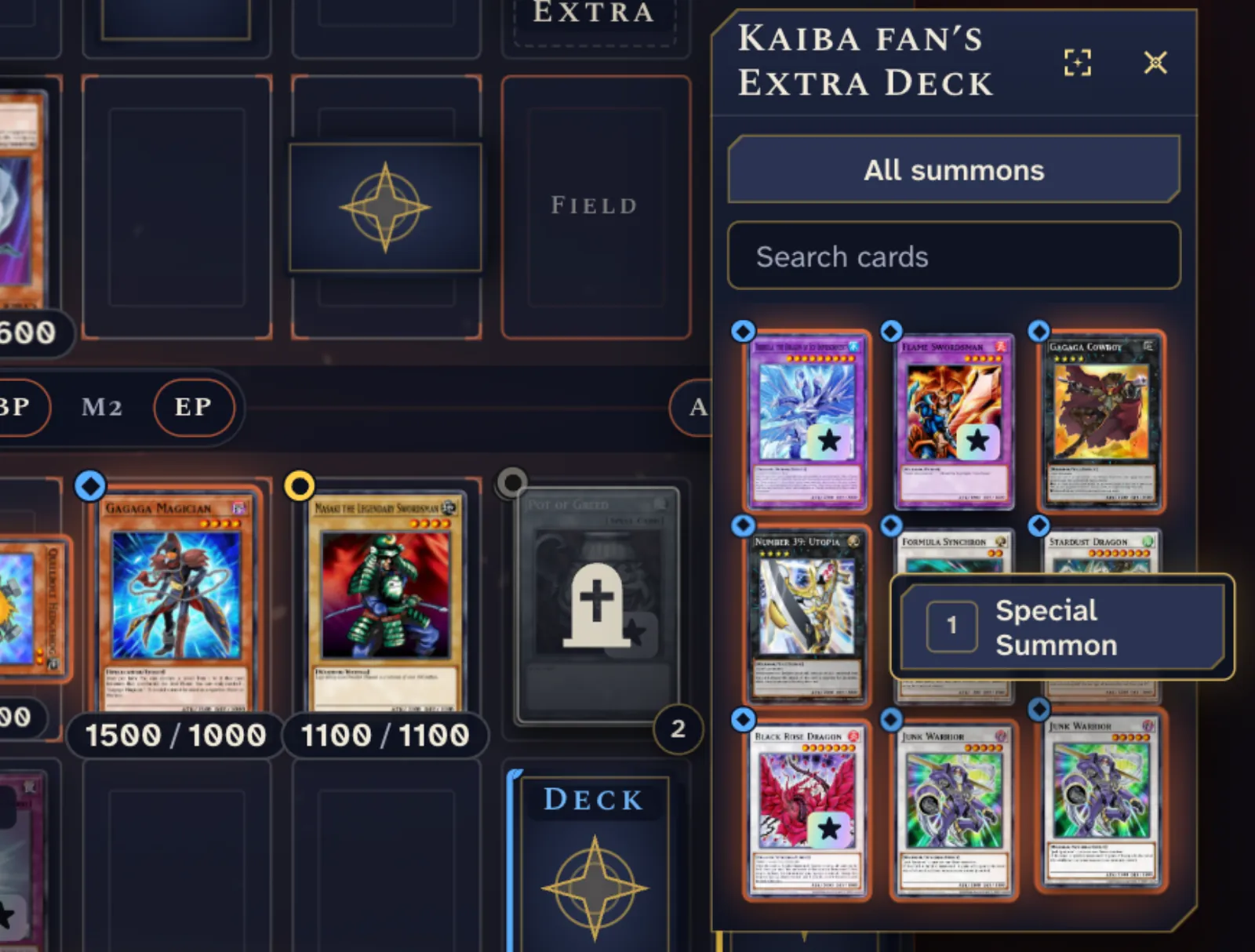
Each Extra Deck card now shows one summon button, not one for every copy.
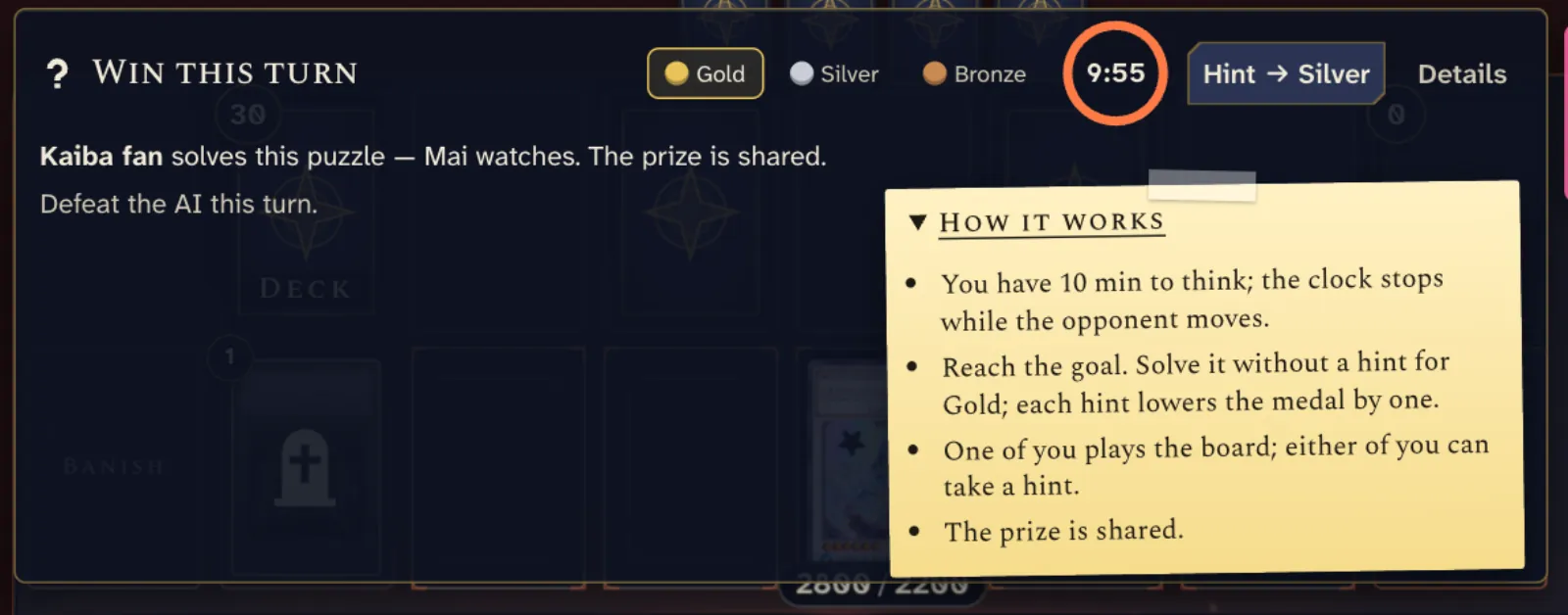
Readable puzzle note
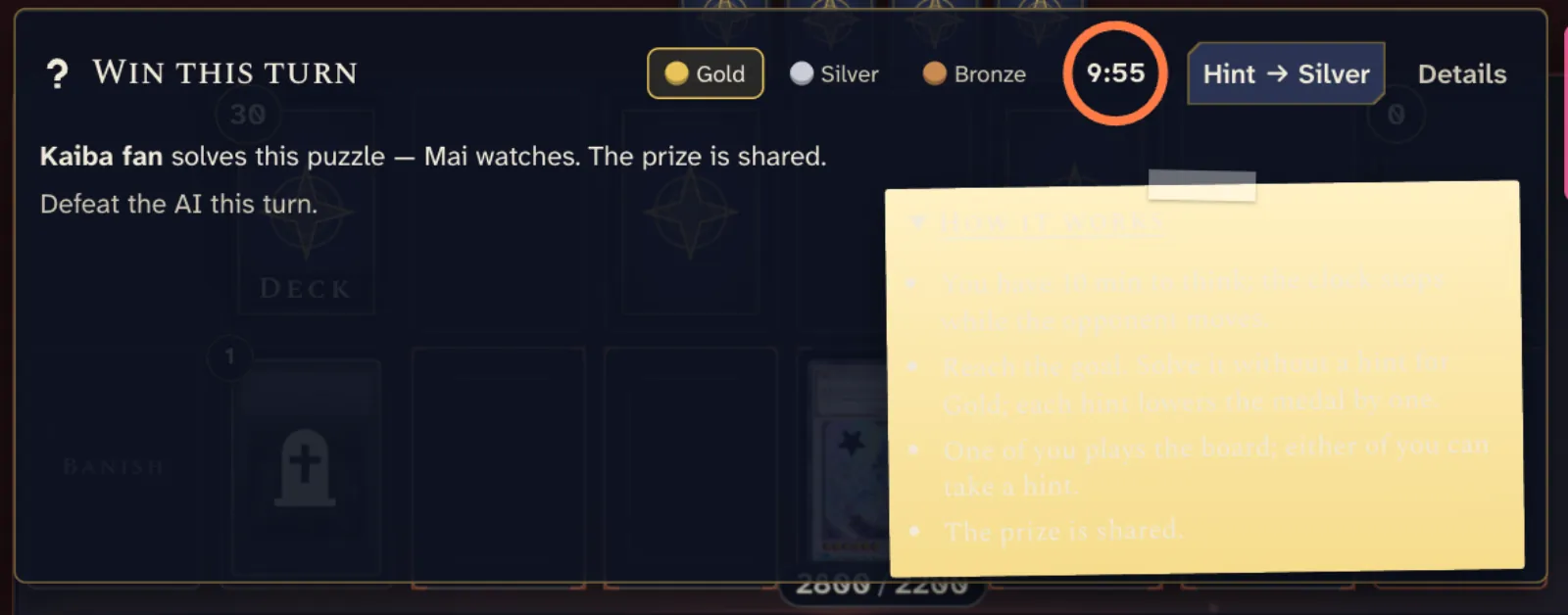
The puzzle's "How it works" note is readable again.
More materials when allowed
A summon that takes "2 or more" materials can now take more than the least.
Exact material counts
A Fusion Summon that needs an exact number of materials no longer shows it as "or more".
Materials in the right slot
Each material you pick now goes into the slot it fits, whatever order you pick them in.
Enter summons
Enter now summons after you picked a material on the board.
Escape keeps the window
Escape no longer closes the material window or the position choice for good.
Open piles stay up to date
An open Extra Deck, Graveyard or other pile now updates while it is open: a monster summoned from it leaves it at once.
All summons shows the summons
The Extra Deck's All summons button now shows the summons, also with a card picked before.
Board keys with the list closed
With board keys, A, Enter and Backspace now work while All actions is closed.
Redirected attacks
An attack redirected to a monster that was just summoned now shows the attack on that monster, not as a direct attack.
LP costs say what you pay
Questions and the duel log now name the LP you really pay for a cost.