
Update v0.15 ·
A new look for duels
Duels have a new layout with a bigger field, a few new settings, and a round of changes and fixes. The app updates itself when you restart it.
New
A new duel layout
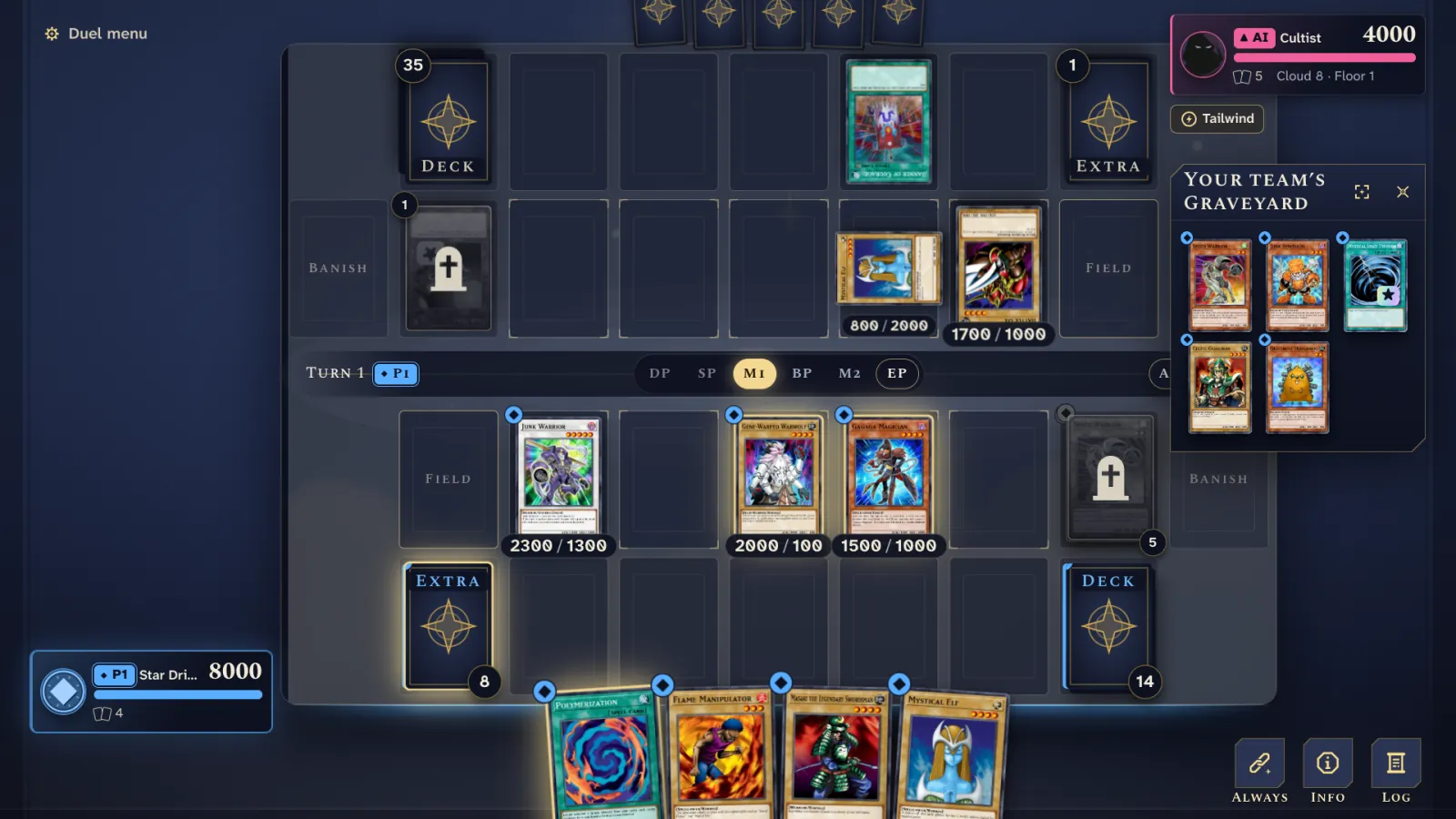
Duels have a new layout: a bigger field, questions at the bottom of the screen and a card's actions right above the card. Everyone starts on it; the old layout is still in Settings.
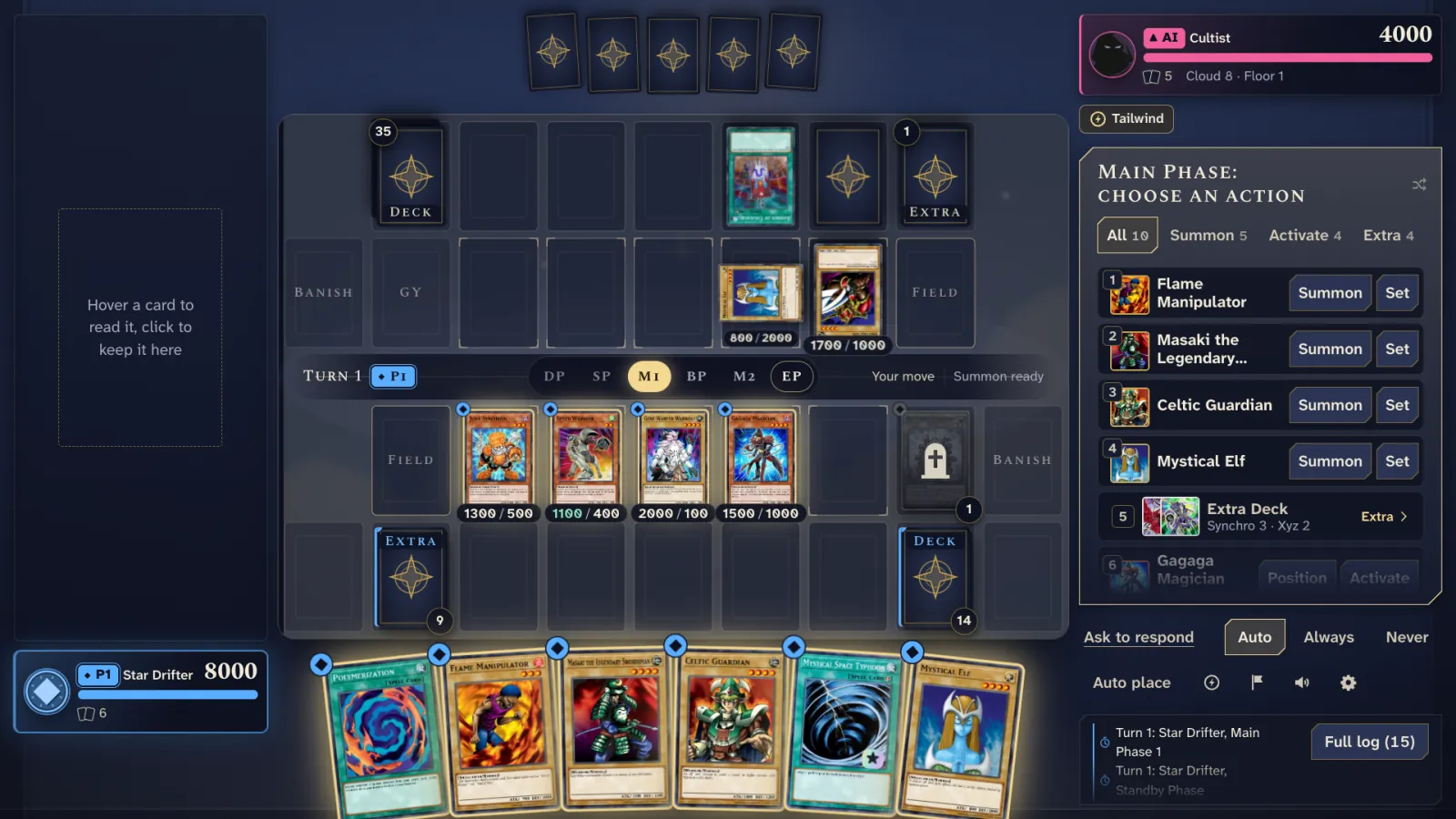
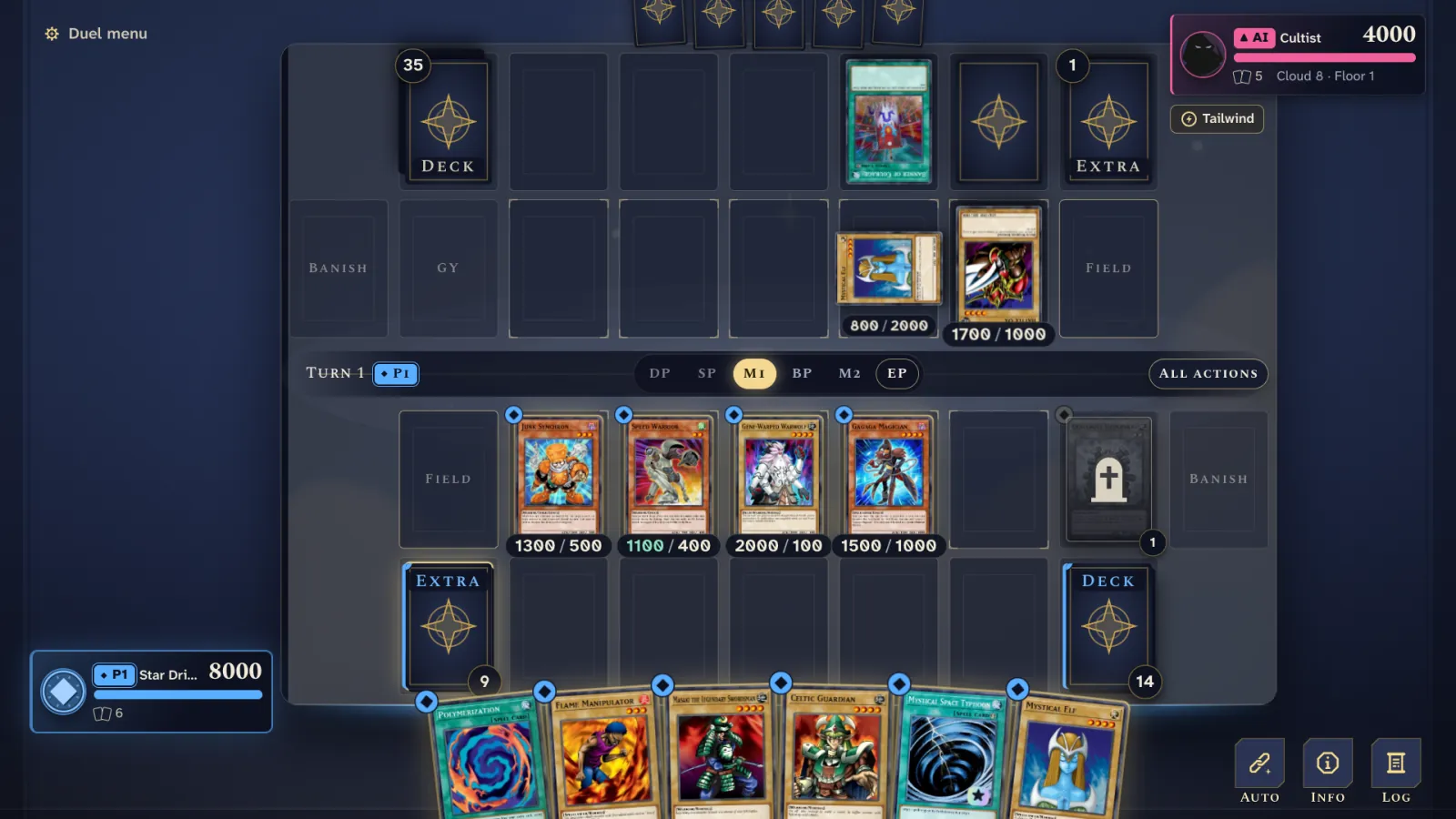
Go back to the old layout
- Open Settings: the gear in the lobby, or Duel menu at the top left of a duel.
- Pick the Gameplay tab.
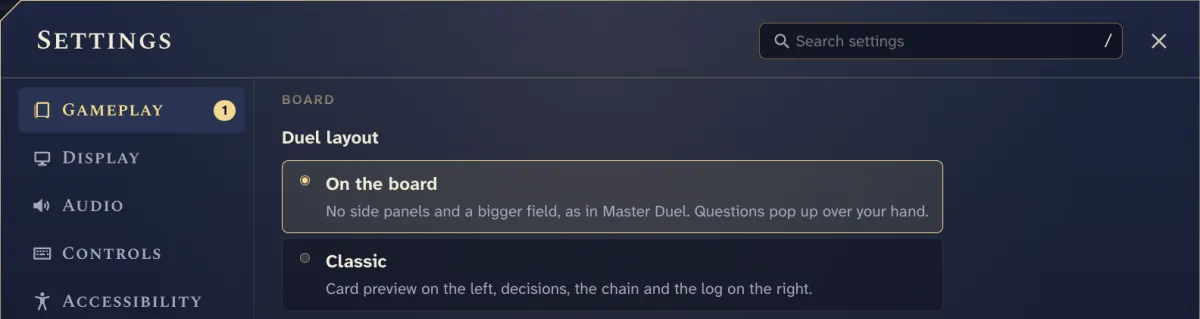
- Under Duel layout, choose Classic.
You can switch in the middle of a duel.
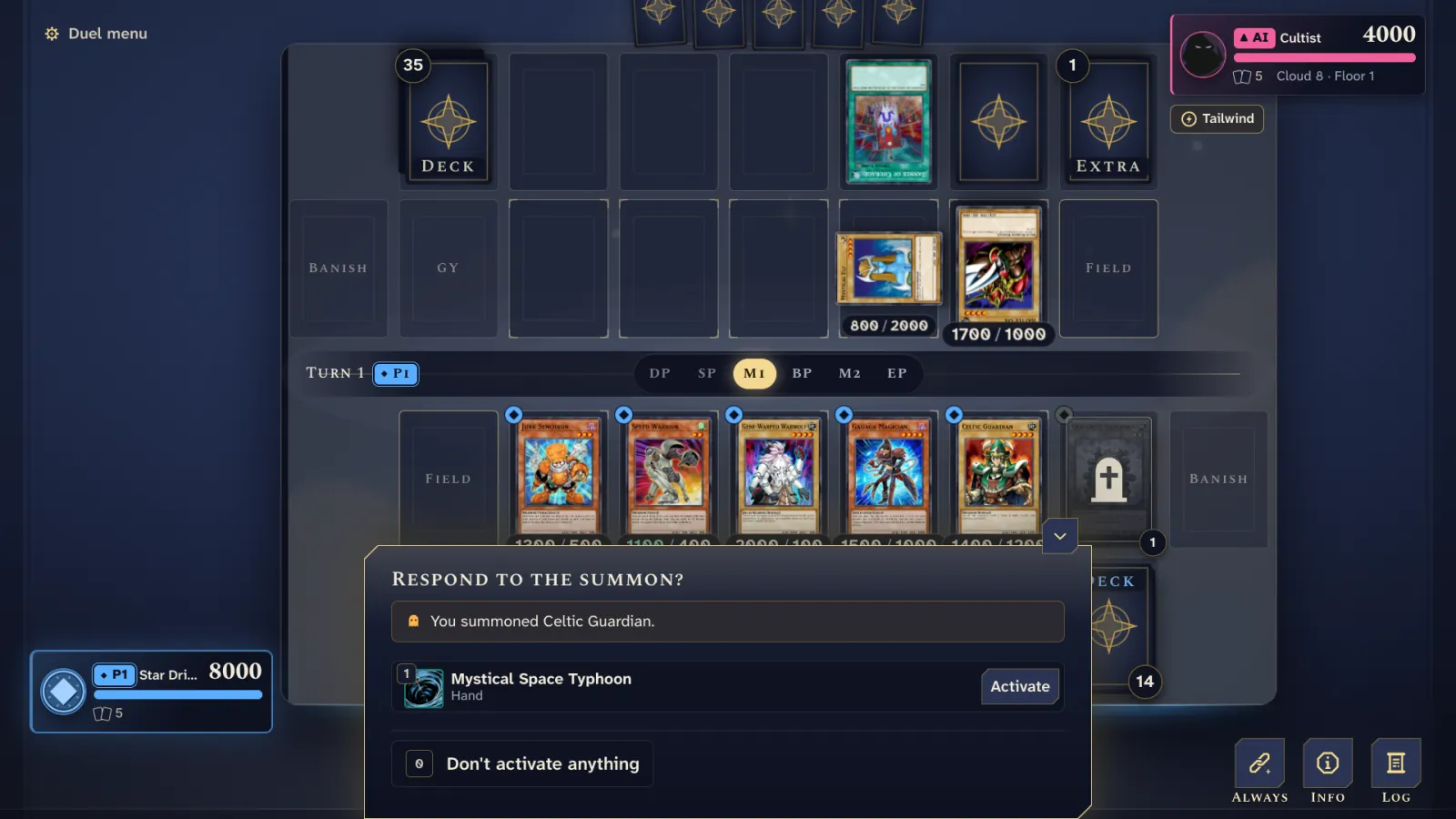
Questions at the bottom
Questions sit at the bottom of the screen, over your hand. Fold one down to look at the field, and bring it back from its tab.
Piles and the log beside the field
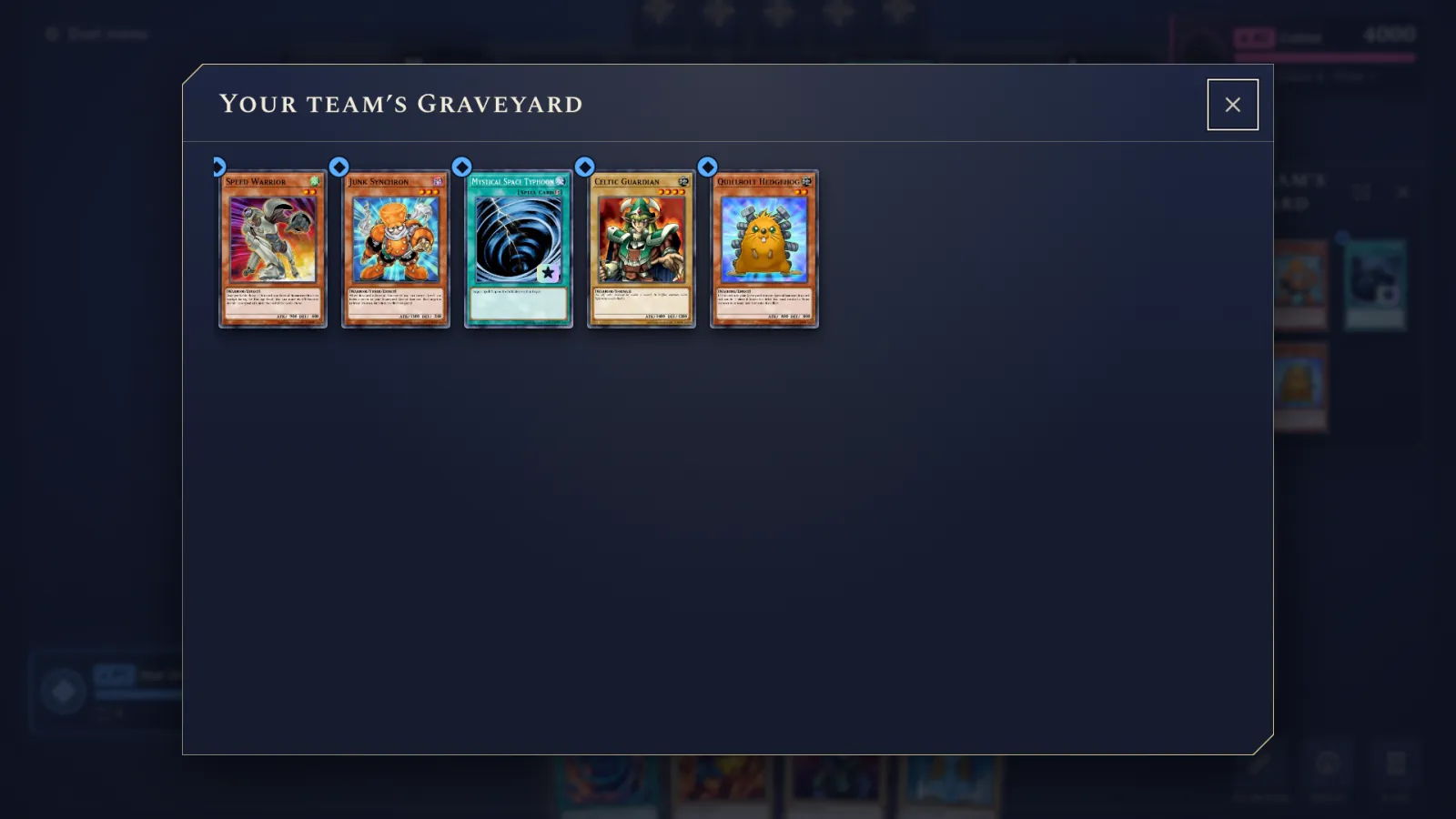
Your Graveyard, banished cards, Deck, Extra Deck and the duel log open in a drawer beside the field. Expand, or E, opens the full window.
Phases and actions in reach
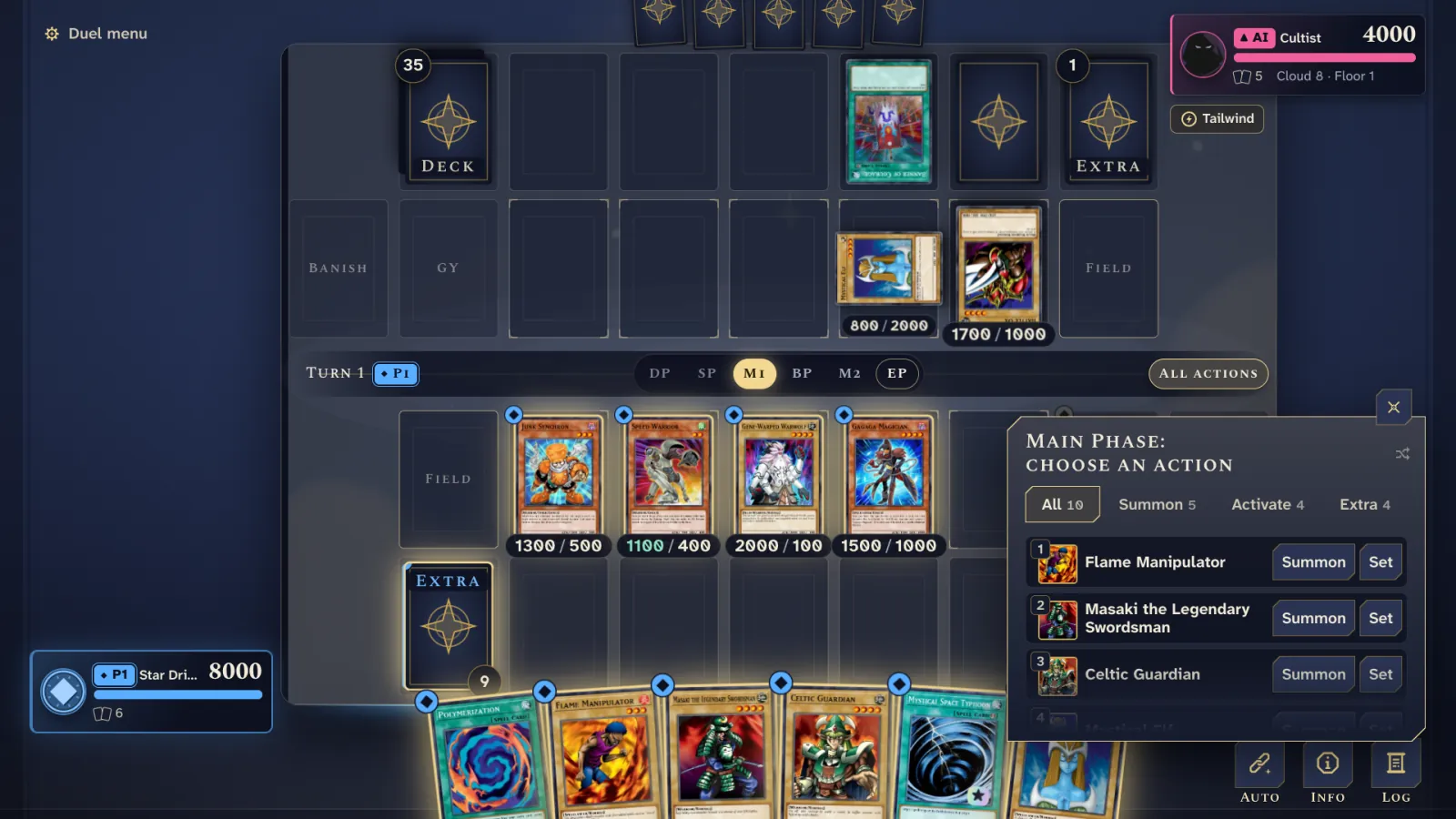
The phase buttons sit in the middle of the field, and All actions lists everything you can do this turn.
The chain in the corner
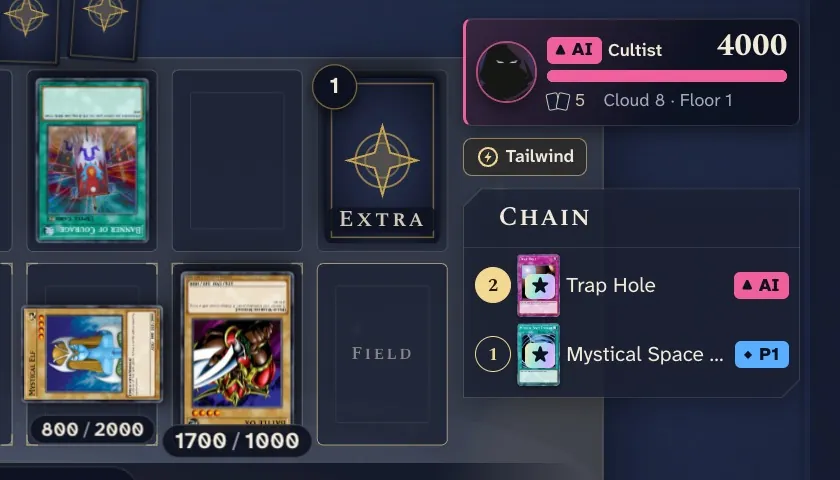
A chain shows as a compact list in the corner of the screen, so the field stays in view.
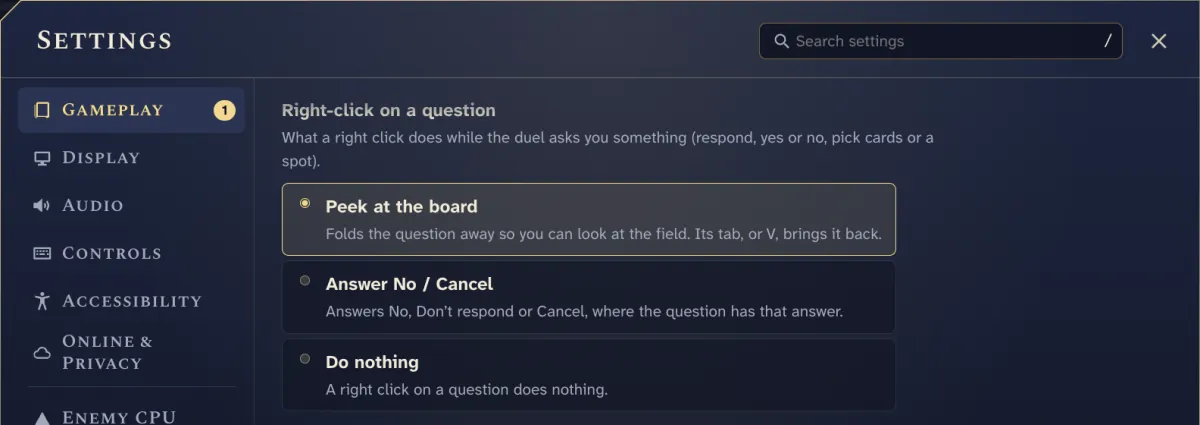
Right-click on a question
A new setting chooses what a right click does while the duel asks you something: peek at the field (the default), answer No, or nothing.
Change it
- Open Settings.
- Pick the Gameplay tab.
- Under Right-click on a question, choose what it does.
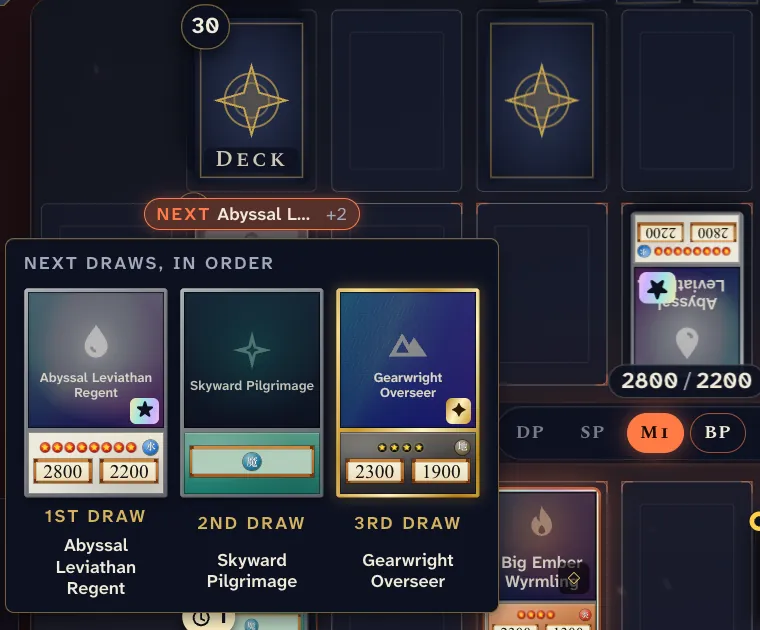
Known draws at a glance
When you know several of the enemy's next draws, you can see them all at once, in order.
New duel animations
New animations for phases, chains and attacks.
Changes
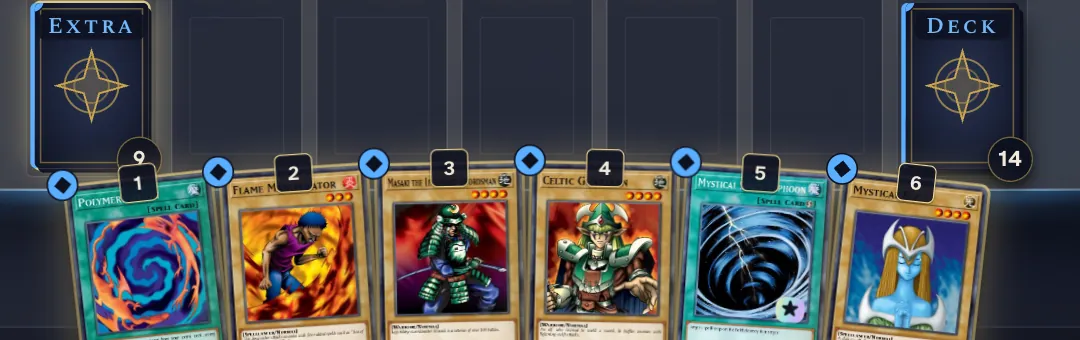
Keys and buttons on hand cards
With a keyboard scheme that puts your hand on keys, each hand card shows its key. Action buttons on hand cards now work in the new layout too.
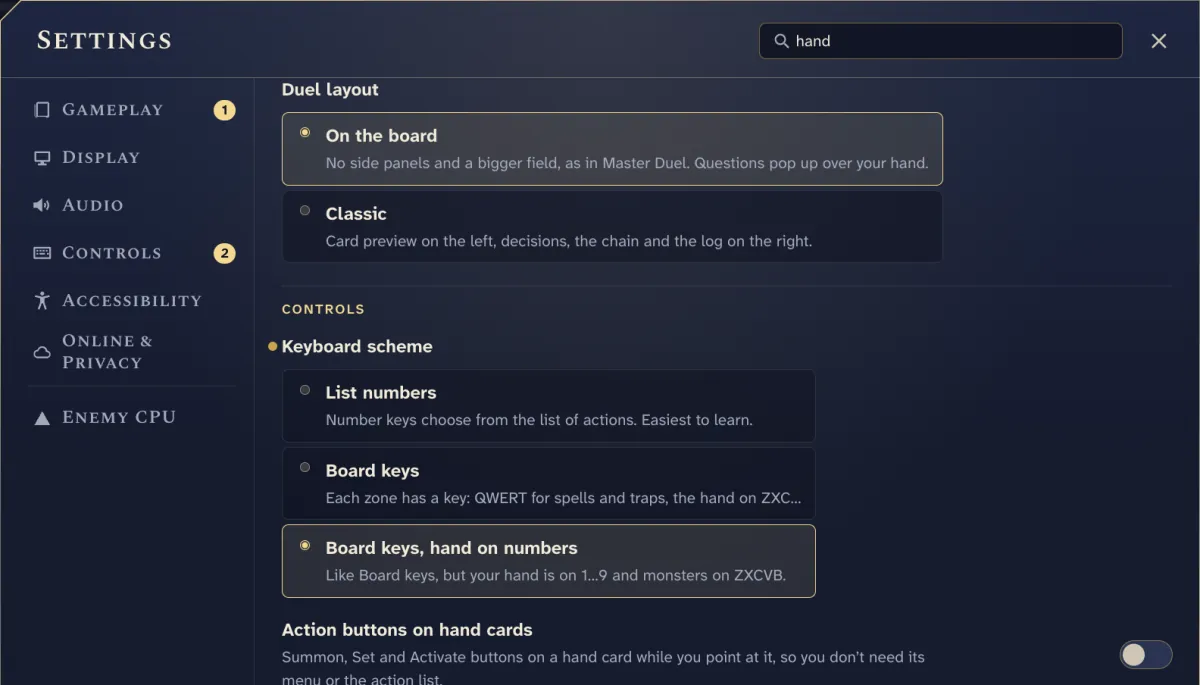
Turn them on
- Open Settings.
- Pick the Controls tab.
- Choose a Keyboard scheme with the hand on keys, or tick Action buttons on hand cards.
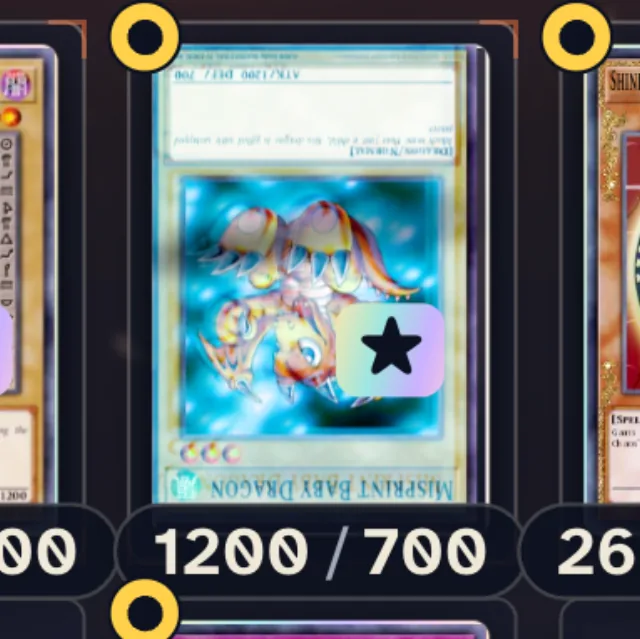
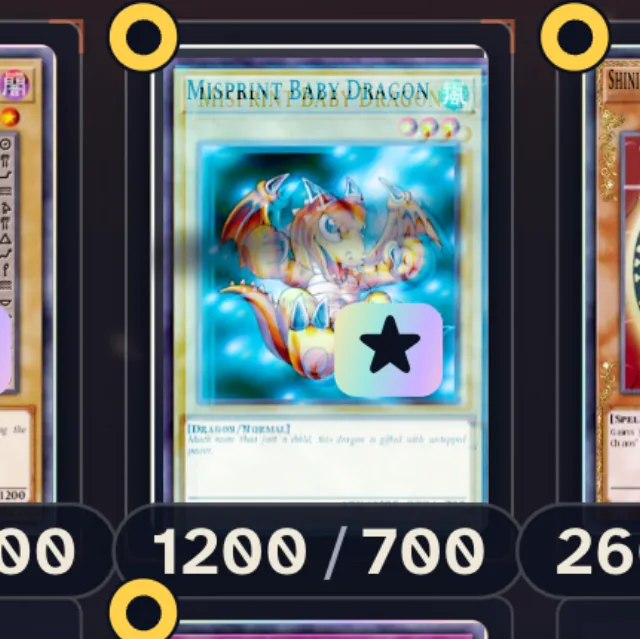
Wrong-picture cards stay upright
A card printed with the wrong picture now stays the right way up.
The duel briefing
The short briefing of a duel's rules now only shows before your first duel.
Yes / No order
The Yes / No order setting only applies to the Classic layout. In the new layout, No is always on the left.
An empty Extra Deck explains itself
An empty Extra Deck now says where its monsters come from.
Key cards earlier
Two cores get some of their key cards earlier.
A card moved
A card moved to a different card pool.
Fixes
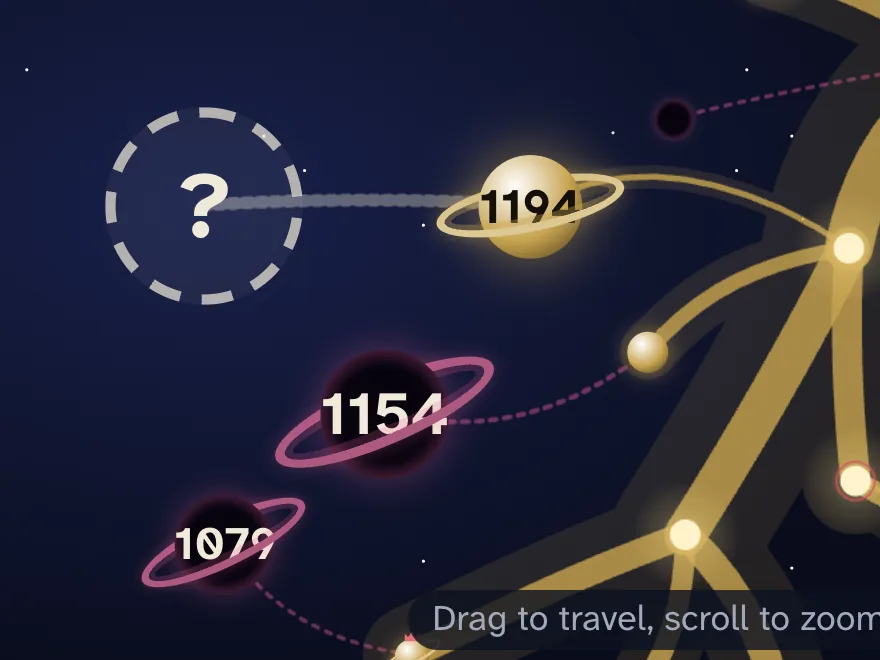
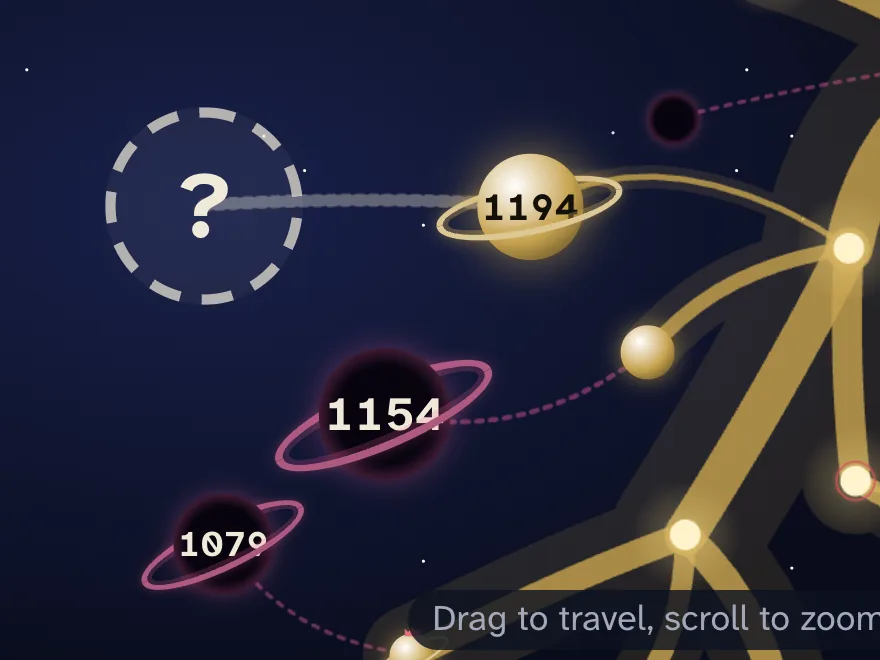
Universe map numbers
Large numbers fit on the universe map.
Attack targets
An attack is no longer aimed for you when the enemy has monsters that can't be attacked.
Card zoom
The owner line in the card zoom no longer runs past the card.